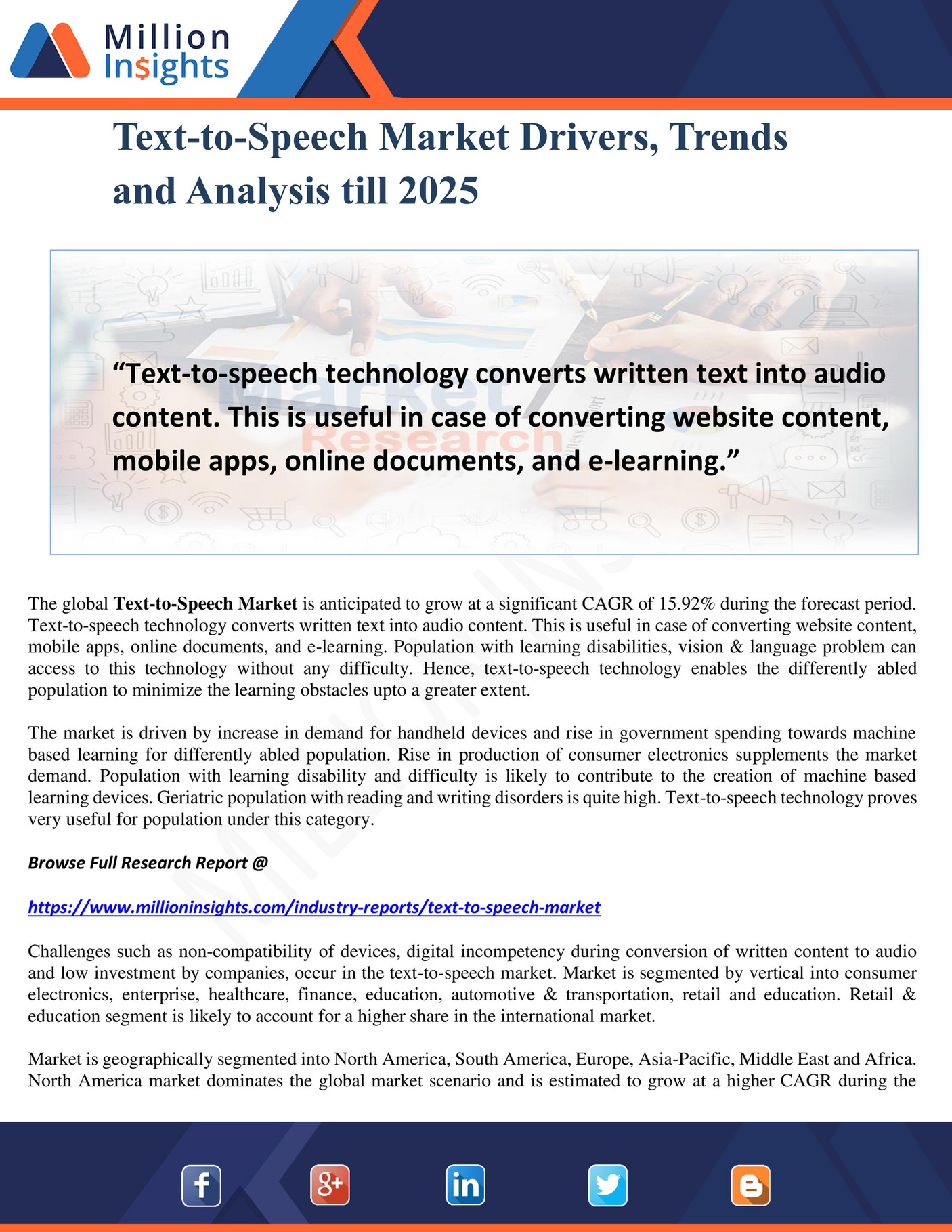
The Best Speech-to-Text Apps for 2025: Boost Productivity and Accuracy
Speech-to-text technology has evolved significantly over the years, transforming from a niche tool for accessibility to a mainstream necessity across various industries. Whether you’re a student, professional, or content creator, the right speech-to-text app can save time, improve efficiency, and enhance productivity. In 2025, the market is flooded with powerful tools that cater to different needs, from basic note-taking to enterprise-level transcription. Here’s a comprehensive look at the best speech-to-text apps available today.
Why Speech-to-Text Matters in 2025
Speech-to-text software uses artificial intelligence (AI) to convert spoken words into written text. This technology has become increasingly accurate, with some services boasting up to 99.9% accuracy. It’s no longer just about convenience—it’s about efficiency, accessibility, and adaptability. From dictating emails to transcribing meetings, these tools are reshaping how we interact with digital content.
Top Speech-to-Text Apps for Business Users

For professionals who need precision and flexibility, Dragon Professional stands out as a top choice. Developed by Nuance, this software is designed for pro users and offers advanced features like dictation, editing, and web browsing via voice commands. It can handle complex tasks such as creating spreadsheets and managing documents efficiently. With a 99% accuracy rate and the ability to learn from user input, Dragon Professional is ideal for individuals and freelancers.
Best Mobile Speech-to-Text App: Otter

When it comes to mobile use, Otter is a standout. This cloud-based app is perfect for meetings, interviews, and lectures, allowing real-time transcription. It supports team collaboration with speaker IDs, making it easy to track who said what. Otter also offers free and premium plans, with the latter providing advanced export options and bulk processing capabilities. Its user-friendly interface and robust features make it a favorite among students and professionals alike.
Enterprise-Level Speech-to-Text Services: Verbit

For businesses and educational institutions, Verbit offers a smart AI-powered transcription service. It uses neural networks to reduce background noise and differentiate between speakers, even with varying accents. While Verbit provides live transcription, its human editing option ensures high accuracy. This makes it an excellent choice for organizations needing reliable and scalable solutions.
Advanced Speech Recognition: Speechmatics
Speechmatics is another strong contender, offering machine learning solutions for converting speech to text. It supports multiple accents and is particularly useful for call centers and media captioning. With its ability to handle diverse audio formats and integrate with various platforms, Speechmatics is a versatile tool for both personal and professional use.
Virtual Assistant: Braina Pro

For those looking for a virtual assistant, Braina Pro is a powerful option. It not only supports dictation but also helps with tasks like setting alarms, searching files, and playing media. Its multi-language support and remote PC control via an Android app make it a flexible choice for tech-savvy users.
Cloud-Based Solutions: Microsoft Azure Speech to Text

Microsoft’s Azure Speech to Text is part of the Azure platform’s Cognitive Services. It offers real-time transcription, customization for proper nouns, and handles multiple speakers. As a cloud-based solution, it’s ideal for developers and enterprises needing scalable and secure speech recognition.
Batch Conversion: IBM Watson Speech to Text
For batch conversion of audio files, IBM Watson Speech to Text is a top choice. It uses AI and machine learning to process large volumes of audio efficiently. Features like speaker labeling, smart formatting, and timestamping make it suitable for businesses requiring detailed transcriptions.
Free Speech-to-Text Apps
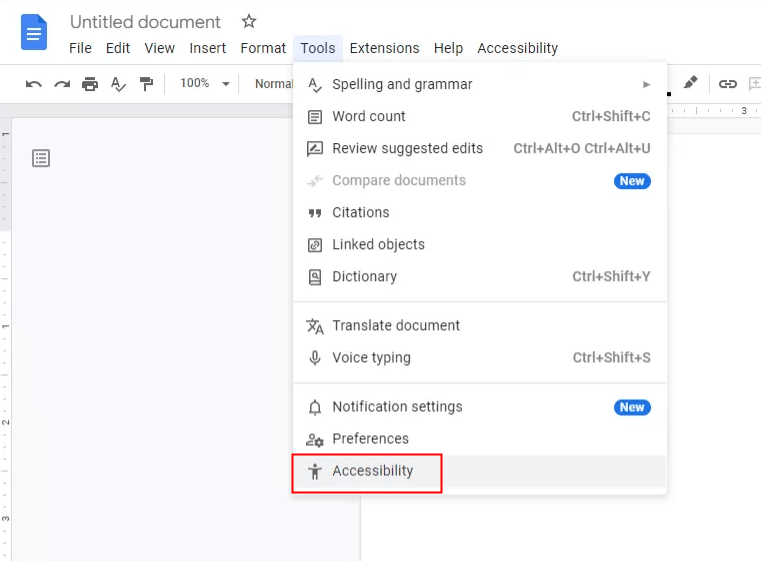
For budget-conscious users, several free apps offer solid performance. Google Gboard is a convenient keyboard app with built-in speech-to-text functionality. Just Press Record is great for quick recordings and transcription on iOS devices. Speechnotes and Transcribe provide simple yet effective solutions for basic dictation needs.
Choosing the Right Tool for Your Needs
When selecting a speech-to-text app, consider factors like accuracy, ease of use, language support, and cost. For example, if you prioritize accuracy and customization, Dragon Professional is unmatched. If you need real-time transcription, Otter is a strong choice. For enterprise use, Verbit and IBM Watson offer robust solutions.
Conclusion
Speech-to-text technology continues to evolve, offering more features and better accuracy than ever before. Whether you’re a busy professional, a student, or a developer, there’s a tool tailored to your needs. By leveraging these apps, you can streamline your workflow, reduce manual typing, and focus on what truly matters—your work. Stay ahead of the curve with the best speech-to-text apps of 2025.