
The Power of Cloud Automation: Transforming Business Operations in the United States
In today’s fast-paced digital landscape, businesses are constantly seeking ways to streamline operations, reduce costs, and enhance efficiency. One of the most transformative technologies in this regard is cloud automation. As organizations increasingly adopt cloud computing, the need for automation has become more critical than ever. From managing infrastructure to optimizing workloads, cloud automation offers a range of benefits that can revolutionize how businesses operate. This article explores the various use cases, advantages, challenges, and tools associated with cloud automation, providing a comprehensive overview of its impact on U.S. enterprises.
Understanding Cloud Automation
Cloud automation refers to the use of software tools and frameworks to automate tasks within cloud environments. These tasks can include provisioning resources, deploying applications, monitoring performance, and managing workflows. Unlike traditional IT automation, which often relies on physical infrastructure, cloud automation operates in virtualized environments, making it highly scalable and flexible.
According to Statista, Microsoft Windows remains the most popular desktop operating system globally. However, even with its advanced features, out-of-the-box task automation can be limited or complex. This is where third-party applications come into play, offering more robust automation solutions. Similarly, in enterprise settings, cloud automation tools help manage complex IT environments by standardizing processes and policies.
Key Use Cases for Cloud Automation
- Infrastructure as Code (IaC)
One of the most common use cases for cloud automation is establishing Infrastructure as Code (IaC). IaC allows businesses to define and manage infrastructure through code, enabling consistent and repeatable deployment. By categorizing compute resources into pools, cloud automation services can efficiently allocate and deploy resources across datacenters. This approach not only reduces manual errors but also ensures that configurations remain consistent across different environments.
- Workload Management
Cloud automation plays a crucial role in workload management by enabling real-time adjustments based on performance metrics. For instance, an Application Performance Management (APM) tool can monitor deployed workloads and trigger automatic scaling or resource allocation. This helps optimize resource consumption and ensures that applications perform efficiently under varying loads.

- Multicloud and Hybrid Cloud Automation
With the rise of multicloud and hybrid cloud environments, automation becomes essential for managing complexity and reducing human error. By automating private cloud tasks and integrating them with public clouds, businesses can achieve greater efficiency and flexibility. This is particularly beneficial for organizations that need to maintain control over sensitive data while leveraging the scalability of public cloud services.
- Continuous Integration and Deployment (CI/CD)
For software development teams, cloud automation streamlines the CI/CD process. It enables rapid deployment and scaling of resources, allowing developers to test and release new software versions quickly. Tools like GitHub and AWS CloudFormation facilitate automated testing, version control, and deployment, ensuring that code changes are consistently applied across environments.
- Process Automation
Cloud automation also helps businesses create consistent setups for their workflows, improving visibility into resource consumption. By tracking usage patterns, companies can better plan for future needs and ensure reliable service quality. This level of insight is invaluable for making data-driven decisions and optimizing operational efficiency.
Advantages and Limitations of Cloud Automation

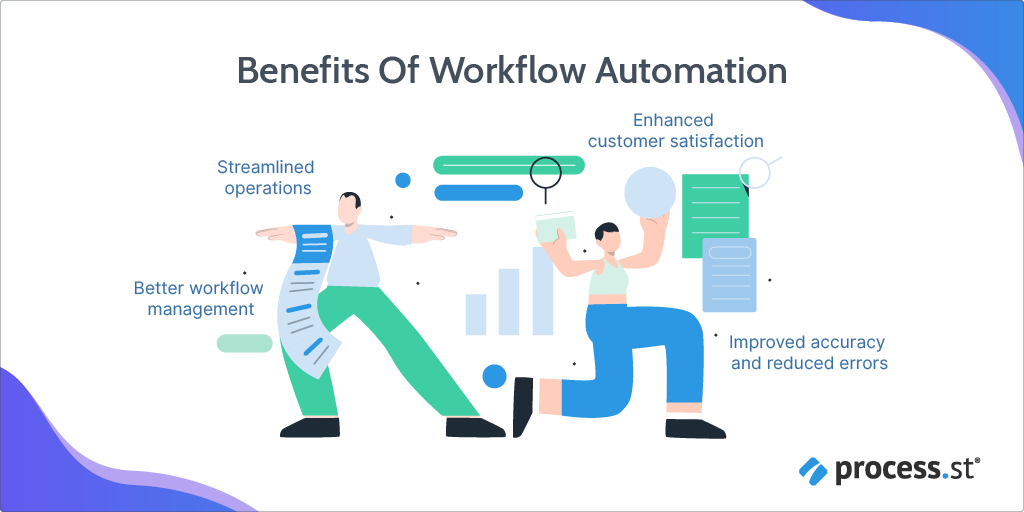
While cloud automation offers numerous benefits, it is not without its challenges. Here are some of the key advantages and limitations:
Advantages
-
Reduces Errors
Automating repetitive tasks minimizes the risk of human error, leading to more accurate and consistent results. This is especially important in environments where even minor mistakes can have significant consequences. -
Saves Time
Manual tasks can be time-consuming and tedious. By automating these processes, employees can focus on more strategic and creative work, ultimately boosting productivity. -
Improves Efficiency
Cloud automation streamlines workflows, making it easier to manage complex IT environments. It supports continuous deployment strategies, allowing teams to detect and resolve issues swiftly. -
Enhances Scalability
As businesses grow, their IT needs become more complex. Cloud automation provides the flexibility to scale resources up or down based on demand, ensuring that operations remain efficient and cost-effective.
Limitations
-
Safety Concerns
While cloud providers strive to ensure security, data breaches and ransomware attacks remain a concern. Companies must carefully evaluate the security measures of their chosen cloud automation solution. -
Relies on Network Connectivity
Public cloud services depend on a stable internet connection. Any disruption in connectivity can hinder access to critical resources, potentially impacting business operations. -
Platform Lock-In
Choosing a cloud service provider can lead to long-term commitments. Once a company automates critical processes with a specific platform, migrating to another provider can be costly and complex.
Cloud Automation vs. Cloud Orchestration
It’s important to distinguish between cloud automation and cloud orchestration. While both involve automating tasks, they serve different purposes. Cloud automation focuses on automating individual tasks, such as provisioning resources or deploying applications. In contrast, cloud orchestration involves coordinating multiple automated processes to achieve a larger goal. For example, orchestrating a software deployment might involve automating updates to the frontend, backend, and database components in a specific sequence.
Popular Cloud Automation Tools
Several tools are available to help businesses implement cloud automation. Some of the most widely used include:
-
GitHub
GitHub offers version control and collaboration features that support automated software deployment and synchronization. -
AWS CloudFormation
Amazon Web Services provides tools for automating infrastructure and resource management using YAML or JSON configuration files. -
Red Hat Ansible Automation Platform
This lightweight tool simplifies software deployment, configuration management, and continuous delivery. -
Google Cloud Deployment Manager
Google’s cloud automation solution allows for Infrastructure as Code implementation using simple templates. -
Azure Automation
Azure Automation supports both Azure and non-Azure platforms, offering features such as file configuration and automatic scaling.
Implementing and Managing Cloud Automation

Implementing cloud automation requires careful planning and consideration of factors such as cost, scalability, and security. Businesses should assess their specific needs and choose a solution that aligns with their goals. Additionally, tools like CloudZero can help companies track and manage cloud costs, ensuring that automation efforts remain cost-effective.
Frequently Asked Questions
-
What are the challenges when implementing cloud automation?
Challenges include determining what to automate, handling unstructured data, ensuring security, and maintaining efficiency. -
How is cloud automation different from traditional IT automation?
Cloud automation leverages virtual machines to distribute tasks, while traditional automation relies on programming techniques for parallel execution. -
How does cloud automation improve security?
Cloud automation enhances security by monitoring for threats and prioritizing incidents for further investigation. -
How are IT professionals impacted by cloud automation?
Automation frees IT professionals from repetitive tasks, allowing them to focus on more strategic and innovative work.
Conclusion
Cloud automation is a powerful tool that can transform how businesses operate in the United States. From streamlining infrastructure management to optimizing workloads, its benefits are vast. However, it is essential to understand the challenges and limitations associated with its implementation. By choosing the right tools and strategies, organizations can harness the full potential of cloud automation, driving efficiency, scalability, and innovation in an increasingly competitive market.