Turning Text into Speech Online for Free: A Comprehensive Guide
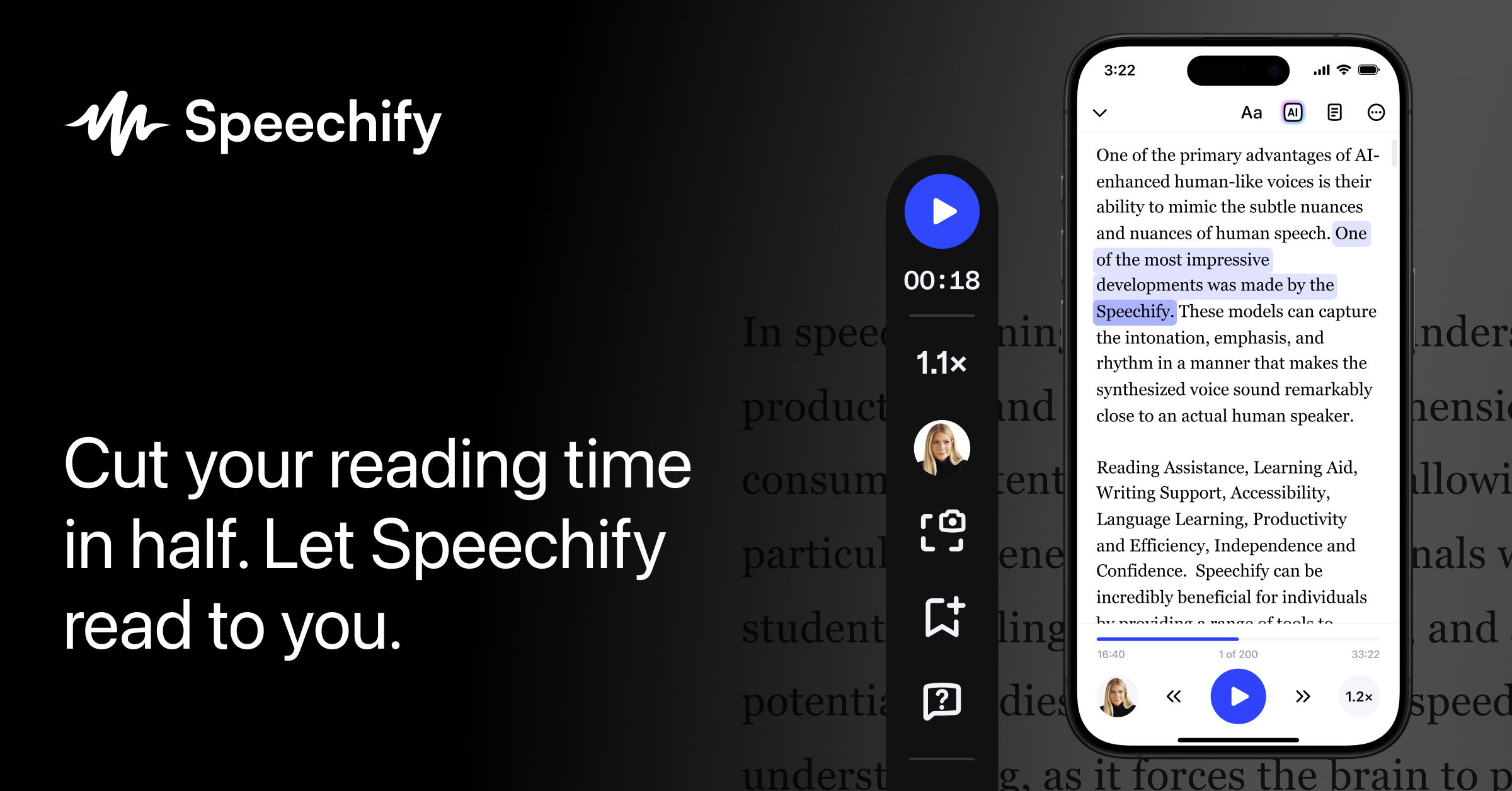
In today’s digital age, the ability to convert text into speech has become an essential tool for both personal and professional use. Whether you’re a student looking to listen to notes while commuting, a content creator aiming to enhance your videos, or a business owner wanting to automate customer service, text-to-speech (TTS) technology offers a range of benefits. Platforms like Speechify have made this process simple, accessible, and free for users across the United States. With a few easy steps, anyone can turn written words into natural-sounding audio.
How to Use Speechify for Free
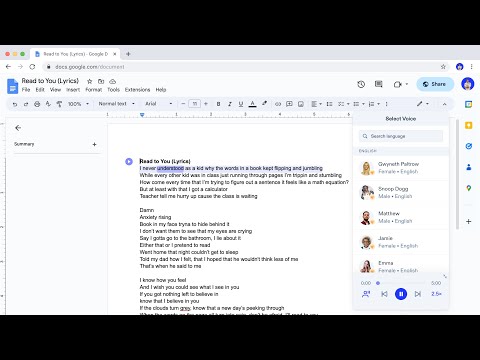
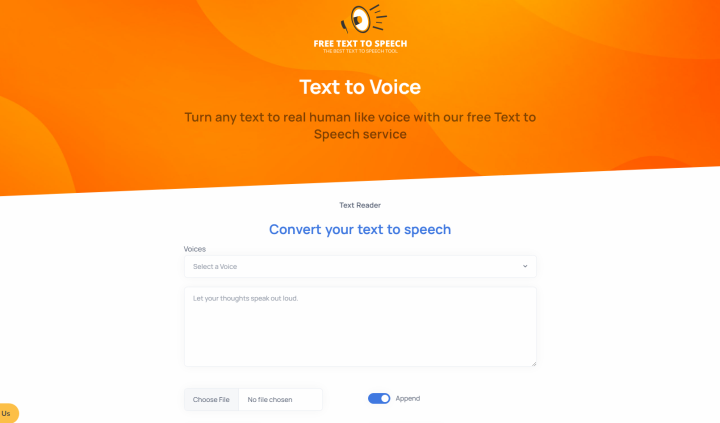
Using Speechify is straightforward, even for those who are not tech-savvy. The first step is to sign up for a free account on their website. Once registered, users are directed to the text-to-speech interface, where they can input their desired text. This can be done by either typing directly into the field or pasting content from another source, such as a document or web page.
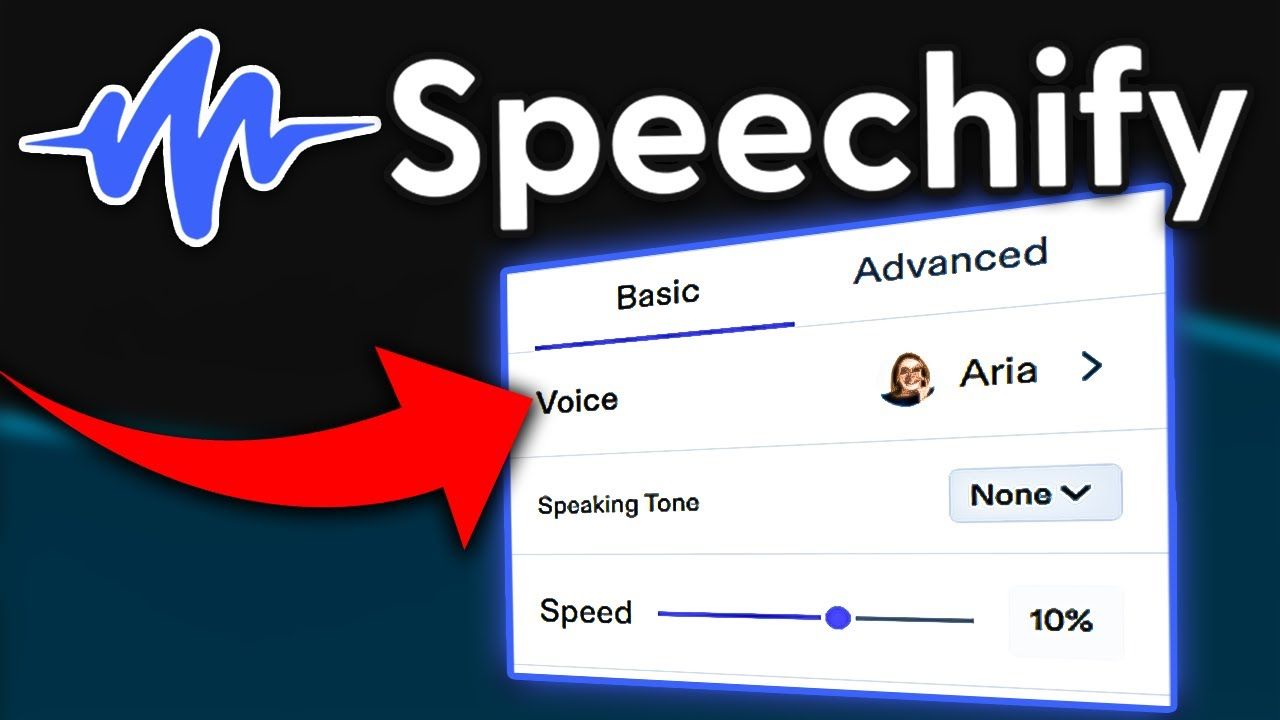
After entering the text, the next step is to choose a voice. Speechify offers a wide selection of realistic AI voices, each with different accents and languages. This feature is particularly useful for users who need to cater to diverse audiences or who want to create content in multiple languages. From American English to Spanish, Mandarin, and beyond, the options are extensive.
Once the voice is selected, the user simply clicks the “Generate Audio” button. The platform then processes the text and produces an audio file that can be listened to immediately. If desired, the file can also be downloaded for offline use. This makes it ideal for situations where internet access may be limited.
Advanced Features for Customization

While the basic functionality of Speechify is impressive, the platform also offers advanced features that allow for greater customization. One such feature is instant custom voice creation, which enables users to generate personalized voice models using their own audio recordings. This is especially beneficial for businesses or organizations that want to maintain a consistent brand voice or for individuals who want to create a unique and natural-sounding voice.
Another notable feature is long audio synthesis, which allows users to synthesize up to 1 million bytes of input. This is ideal for creating longer audio files, such as audiobooks, podcasts, or training materials. Additionally, Speechify supports asynchronous processing, ensuring that even large files can be handled efficiently without compromising quality.
Voice and Language Options
Speechify boasts an impressive array of 220+ voices across 40+ languages and variants. This includes major languages like English, Spanish, French, and Japanese, as well as regional dialects and accents. The platform is continuously expanding its offerings, so users can expect more language options in the future.
For those interested in cutting-edge technology, WaveNet voices are available. These voices are built based on DeepMind’s groundbreaking research and offer speech that closely mimics human performance. They provide a level of realism that is hard to match, making them ideal for applications where natural-sounding audio is crucial.
Customizing Your Speech

Speechify also allows for detailed customization through text and SSML support. Users can add SSML tags to control elements such as pauses, numbers, date and time formatting, and pronunciation instructions. This level of control ensures that the final audio output is not only accurate but also tailored to the specific needs of the user.
Other customization options include pitch tuning, which lets users adjust the pitch of the selected voice by up to 20 semitones, and speaking rate tuning, allowing for speeds up to 4 times faster or slower than normal. Additionally, volume gain control provides the ability to increase or decrease the volume by up to 16db or -96db, respectively.
Integration and Audio Format Flexibility
Speechify’s REST and gRPC APIs make it easy to integrate the platform with a wide range of applications and devices. Whether it’s a smartphone, PC, tablet, or IoT device like a car or smart speaker, the platform can be seamlessly incorporated into existing systems.
Finally, the platform supports audio format flexibility, allowing users to convert text into various formats such as MP3, Linear16, OGG Opus, and more. This ensures that the audio can be used across different platforms and devices without any compatibility issues.
Conclusion
Text-to-speech technology has come a long way, and platforms like Speechify are leading the charge in making this powerful tool accessible to everyone. With its user-friendly interface, extensive customization options, and robust integration capabilities, Speechify is a top choice for anyone looking to turn text into speech online for free. Whether you’re a student, a content creator, or a business professional, the possibilities are endless with this innovative platform.