How to Maximize Your Smartwatch Experience: A Comprehensive Guide for U.S. Users
Smartwatches have become an essential part of modern life, offering a blend of convenience, health tracking, and connectivity. Whether you’re using a Samsung Galaxy Watch7 or the latest Galaxy Watch Ultra, these devices can significantly enhance your daily routine. However, to fully leverage their capabilities, it’s important to understand how to pair them with your smartphone and use the right applications.
Pairing Your Smartwatch with Your Smartphone
The first step in setting up your smartwatch is pairing it with your smartphone. For Samsung users, this process begins with downloading the Galaxy Wearable app on your Android device. This application serves as a central hub for managing your smartwatch, allowing you to sync data, monitor battery life, and install apps directly from your phone.
Once the app is installed, follow the on-screen instructions to connect your smartwatch. The process typically involves enabling Bluetooth on your phone and placing your smartwatch near your device. After a brief moment, your smartwatch should appear in the app, and you can proceed to configure settings such as time zone, language, and notifications.
Key Features of the Galaxy Wearable App
- App Management: Install and update apps directly from your smartphone.
- Battery Monitoring: Track your smartwatch’s battery life and receive low-battery alerts.
- Health Tracking: Monitor heart rate, sleep patterns, and other health metrics.
- Customization: Adjust watch faces, notifications, and other settings to suit your preferences.
Using Your Smartwatch Without a Phone

While most Samsung smartwatches require a phone connection to access all features, some models, like the Galaxy Watch7 and Galaxy Watch Ultra, offer limited functionality without a phone. Once connected to a Wi-Fi network, you can browse and download apps directly from your smartwatch screen. This feature is particularly useful for users who want to stay active and track their progress without constantly carrying their phone.
However, it’s important to note that certain models, such as the Galaxy Fit, Fit2, and Galaxy Watch4 series, cannot operate independently of a smartphone. These devices rely on a constant connection to your phone to function properly.
Enhancing Your Fitness Routine with Smartwatch Apps
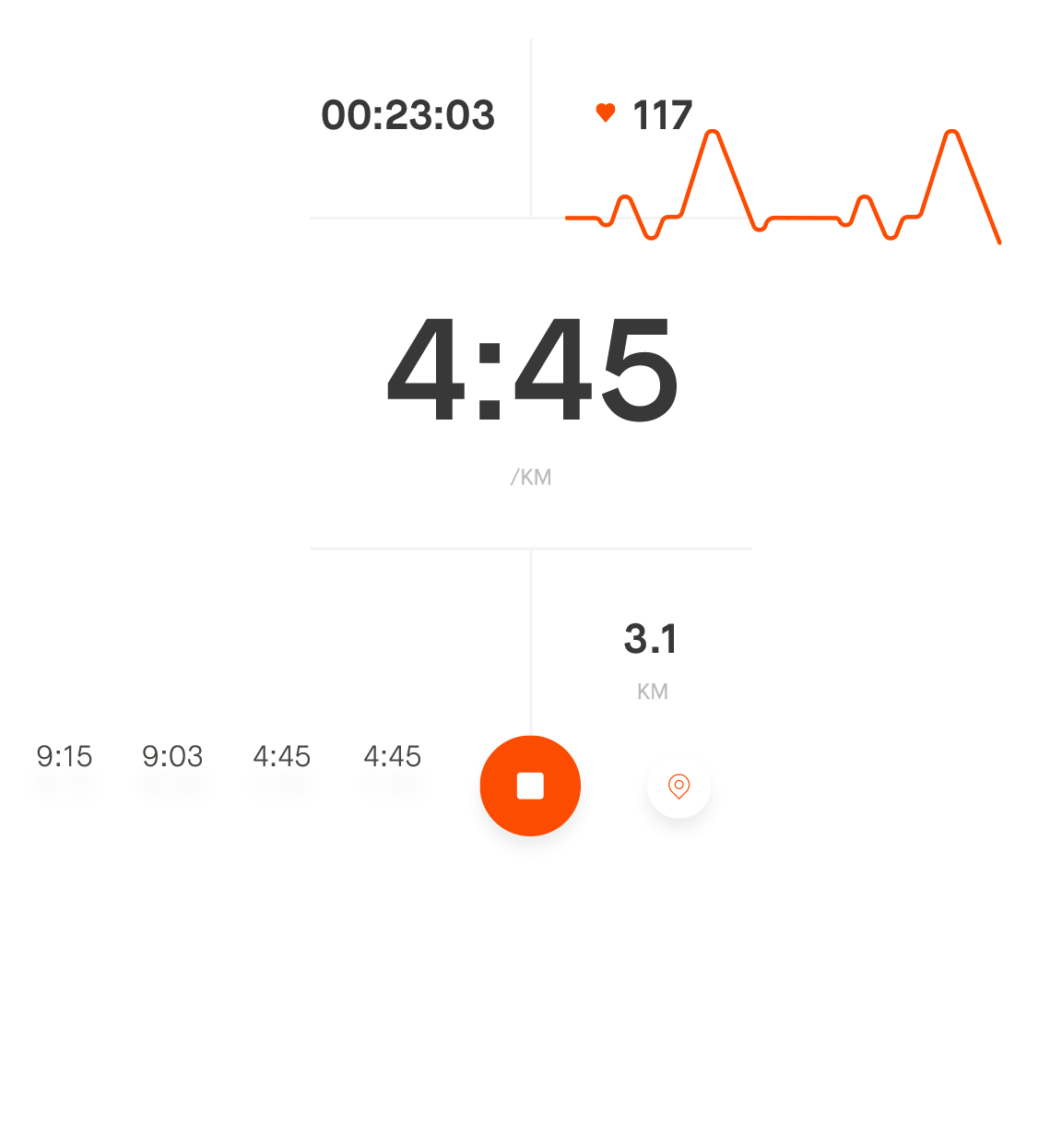
One of the primary benefits of a smartwatch is its ability to track and analyze your fitness activities. By integrating with dedicated apps, you can gain insights into your workouts, nutrition, and overall well-being. Here are some of the top apps that can help you maximize your smartwatch experience:
1. Strava
Strava is ideal for runners and cyclists. It allows you to track your routes, set goals, and share your achievements with friends. The app also offers detailed analytics, including pace, elevation, and heart rate data.
2. MyFitnessPal

MyFitnessPal is a powerful tool for managing your diet and nutrition. It lets you log meals, track calories, and set weight loss or maintenance goals. The app integrates seamlessly with many smartwatches, providing real-time updates on your progress.
3. Fitbit
Fitbit is a comprehensive health and fitness platform that tracks steps, heart rate, sleep, and more. Its integration with smartwatches provides a holistic view of your daily activity and helps you stay motivated.
4. Headspace

For mental wellness, Headspace offers guided meditations and mindfulness exercises. It helps reduce stress, improve focus, and promote better sleep. Many smartwatches now support direct access to Headspace, making it easier to incorporate mindfulness into your daily routine.
Customizing Your Smartwatch for Personalized Goals

To get the most out of your smartwatch, it’s essential to customize it according to your specific needs. Whether you’re aiming to improve your fitness, manage your diet, or enhance your mental well-being, there are numerous ways to tailor your smartwatch experience.
Setting Up Custom Workouts
Most fitness apps allow you to create custom workout plans based on your goals. For example, if you’re focusing on strength training, you can design a routine that includes specific exercises, sets, and rest intervals. The app will then track your progress and provide feedback to help you stay on track.
Utilizing Social Features
Many smartwatch apps include social features that let you connect with friends, join challenges, and share your achievements. These features can boost motivation and keep you accountable. For instance, joining a group challenge on Strava can push you to run faster or longer than you would on your own.
Analyzing Performance Data

Smartwatches and their associated apps provide detailed performance data, including heart rate, calories burned, and workout duration. Regularly reviewing this information can help you identify trends, adjust your training, and celebrate your progress.
Conclusion
Smartwatches are more than just fashion accessories—they are powerful tools that can transform your health and lifestyle. By understanding how to pair your device with your smartphone, using the right apps, and customizing your experience, you can unlock the full potential of your smartwatch. Whether you’re a fitness enthusiast, a busy professional, or someone looking to improve your well-being, there’s a smartwatch solution that fits your needs.