The 11 Best SaaS Help Desk Software Solutions for 2025
In today’s competitive business landscape, especially for SaaS companies, providing exceptional customer service is no longer a luxury—it’s a necessity. As businesses grow and customer expectations rise, the need for efficient and effective support systems becomes even more critical. This is where SaaS help desk software comes into play. These cloud-based platforms offer a centralized solution for managing customer interactions, streamlining support processes, and improving overall customer satisfaction.
The right help desk software can make all the difference in retaining customers, reducing response times, and ensuring that your team is equipped to handle inquiries efficiently. With so many options available, it’s essential to choose a tool that aligns with your specific needs, whether you’re a small startup or a large enterprise. Below, we explore the top 11 SaaS help desk solutions, their key features, pricing, and best use cases to help you make an informed decision.
Why SaaS Help Desk Software Matters

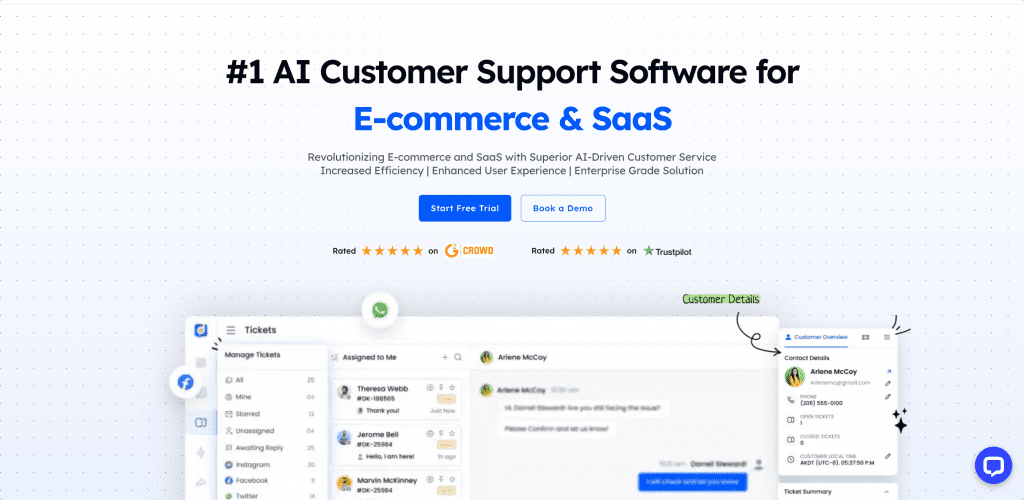
SaaS help desk software refers to cloud-based platforms that allow businesses to manage support operations without the need for on-premise infrastructure. These tools are delivered through the internet and offer various functionalities, such as ticketing systems, live chat, knowledge bases, and reporting tools.
Some of the primary advantages of SaaS help desk tools include:
- Scalability: Supports business growth by managing higher ticket volumes effortlessly.
- Advanced Reporting: Provides real-time analytics to track performance and customer satisfaction.
- Seamless Integration: Connects with CRM, email, and social media to centralize customer interactions.
With these advantages, SaaS help desk tools provide the flexibility and power needed to enhance your customer support operations.
Key Features to Look For
When selecting a SaaS help desk software, several key features and functionalities can significantly impact the effectiveness of customer support operations. Here are the most important aspects to consider:
1. Features and Functionality
Look for complete ticket management systems that organize and prioritize customer inquiries. Ensure the help desk has tools like automation, a knowledge base, and self-service portals. It should support multiple channels (email, live chat, social media, phone) to ensure all customer interactions are covered.
2. Ease of Use
The software should have a user-friendly interface that allows support agents to adapt to the system quickly. Efficient navigation, intuitive ticket handling, and minimal training requirements are essential for maximizing productivity.
3. Integration Capabilities
Ensure the help desk software can integrate seamlessly with other business tools such as CRM systems, project management tools, or communication platforms like Slack. This enables teams to access customer data, manage projects, and collaborate effectively, all from a single platform.
4. Scalability
The help desk software should be scalable to accommodate business growth. As your customer base expands, the system must be capable of handling higher ticket volumes and supporting larger teams.
5. Reporting and Analytics
Robust analytics and reporting features are important for tracking performance. These tools should provide detailed insights into ticket resolution times, agent productivity, and customer satisfaction. Customizable dashboards allow businesses to monitor KPIs in real time and make data-driven decisions to improve support operations.
Top SaaS Help Desk Software Solutions
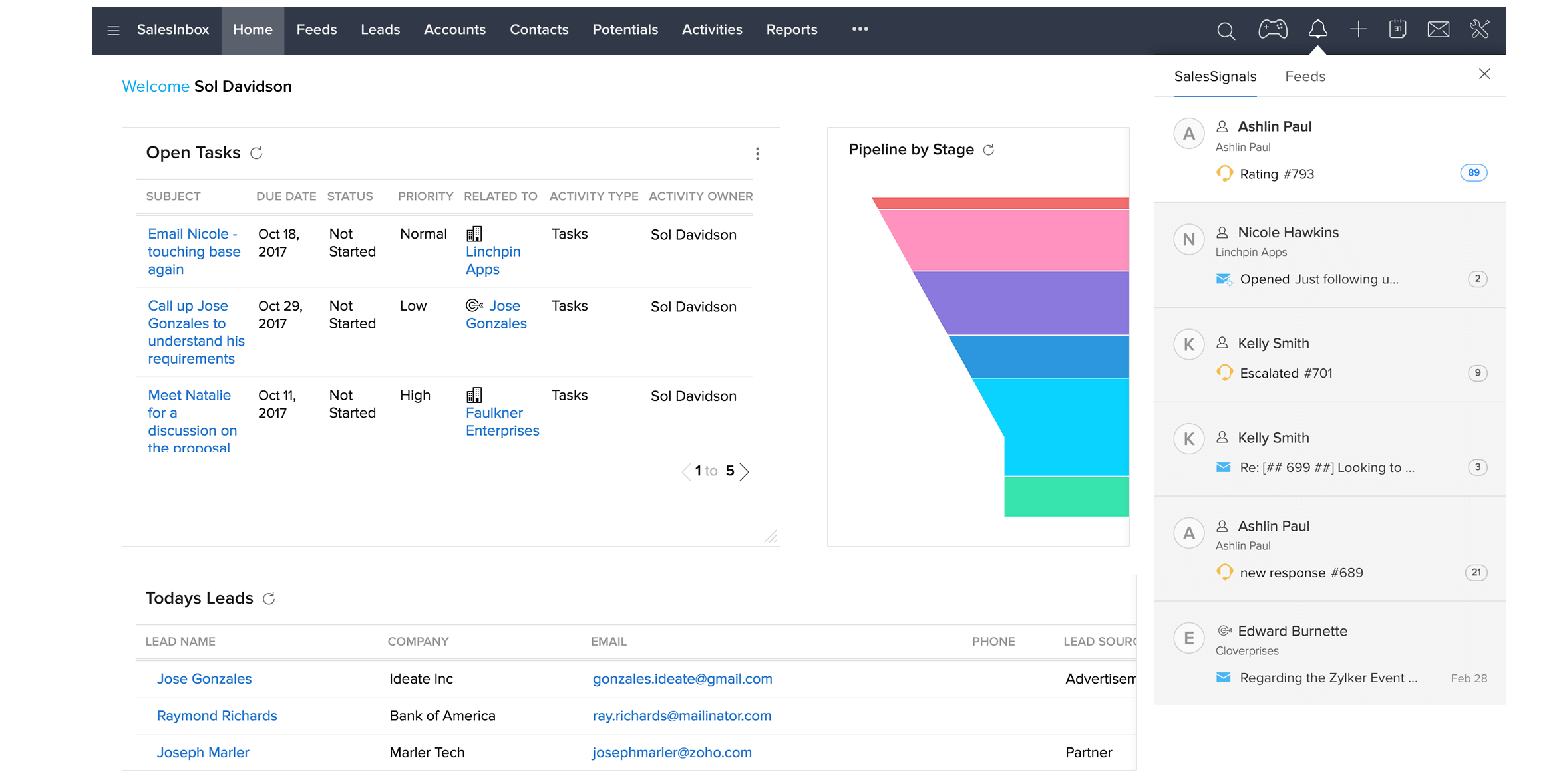
Here’s a detailed overview of the top SaaS ticketing system tools available in 2025, focusing on their core features, strengths, weaknesses, and best use cases.
1. Help Scout
Help Scout is a multi-channel support platform built with both the customer and the agent experience in mind. It offers a shared inbox, knowledge base capabilities, and real-time live chat support. It also includes automation tools, saved replies, and AI features to improve efficiency. Help Scout is ideal for growing companies looking for a flexible and scalable solution.
2. Zoho Desk
Zoho Desk is a cloud-based customer service software designed to streamline support operations. It provides tools to manage customer interactions across various channels, including email, phone, and chat. Zoho Desk also offers strong integrations with other tools and AI-powered chatbots for self-service support. It’s a great fit for teams using Zoho CRM.
3. Kayako

Kayako offers support across multiple communication channels, including chat and self-service support. It includes collaboration features like internal notes and visibility into ongoing tickets to avoid duplicate work. Kayako is suitable for teams that require multi-language support and robust collaboration tools.
4. Freshdesk
Freshdesk is a cloud-based IT service management (ITSM) solution that simplifies and enhances IT operations for businesses of all sizes. It combines incident management, asset management, and project management into a single platform. Freshdesk is ideal for small to medium businesses looking for an affordable, scalable solution.
5. Zendesk

Zendesk is a comprehensive customer service platform designed to enhance customer interactions and streamline support processes. Its omnichannel support allows teams to manage inquiries across email, social media, live chat, and phone. Zendesk is known for its AI-powered features, making it a great fit for enterprise customer support.
6. HubSpot Service Hub
HubSpot Service Hub is a help desk software that includes standard features like a shared inbox and reporting capabilities. It also offers satisfaction surveys, automation capabilities, and the option to build out a knowledge base. It’s ideal for teams using HubSpot CRM for customer insights.
7. Jira Service Management
Jira Service Management is an IT service management (ITSM) tool built specifically for technical teams. It combines ITSM capabilities with agile principles, allowing organizations to manage service requests, incidents, changes, and assets. Jira Service Management is ideal for SaaS companies with strong IT or DevOps teams.
8. LiveAgent
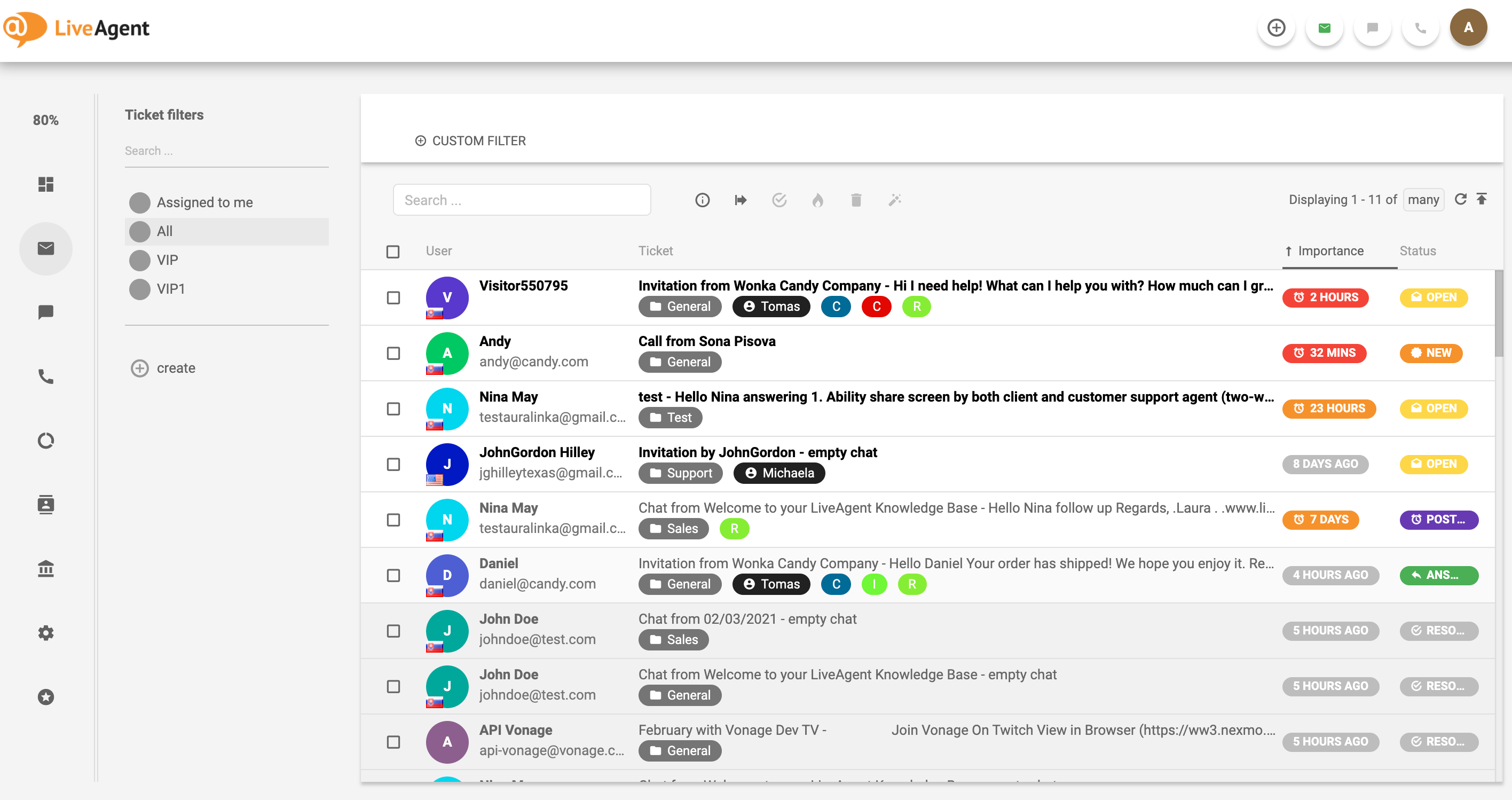
LiveAgent combines communication from email, calls, and social media into a unified dashboard, offering simple setup and integration with the rest of their platform. It also offers a unique gamification approach to customer support, making it fun for teams.
9. HappyFox

HappyFox is dual help desk and project management software. It includes a shared inbox, knowledge base software, and some automations to reduce manual work. HappyFox is ideal for teams that need a combination of support and project management tools.
10. TalkDesk
TalkDesk is a custom support solution for ecommerce companies. It offers omnichannel support, analytics, and self-service options. TalkDesk also includes dynamic product recommendations using AI and proactive notifications for shipping or return updates.
11. Google Collaborative Inbox
Google Collaborative Inbox is a free option for teams just getting started with support and already using Gmail. It allows your team to work out of a shared inbox, making it a good first step for businesses that want to streamline their support process.
Choosing the Right SaaS Help Desk Software
Selecting the right SaaS help desk software requires careful consideration of your business needs, budget, and long-term goals. Here are some steps to guide you through the process:
- Consider Your Business Size and Industry: Different SaaS ticket systems cater to various company sizes and industries. Choose a solution that is scalable and tailored to your specific needs.
- Define Specific Support Requirements: Identify the unique support requirements of your business—whether that’s managing high ticket volumes, consolidating omnichannel queries, or integrating with other tools.
- Consider Your Budget: SaaS support ticket systems come with diverse pricing models. Be honest about your budget limitations and seek out a solution that offers the best value for your investment.
- Research and Compare Available Options: Use various sources, such as web search results, customer reviews, case studies, or free trials, to gather information and feedback about each system.
- Test and Evaluate Your Shortlisted Choices: Sign up for a free trial or demo and test the system using simulated or actual customer support scenarios. Involve your support team members in the testing and evaluation process.
- Make Your Final Decision and Implement the System: Once you’ve tested and evaluated your shortlist of options, make your final decision and implement the system within your business operations.
Conclusion
Choosing the right SaaS help desk software can significantly improve your customer experience and support operations. Whether you’re a small startup or a large enterprise, the right tool can help your team manage inquiries, solve issues faster, and communicate effectively, both internally and with customers. By considering the key features, pricing, and best use cases, you can find the perfect solution that meets your business needs and drives long-term success.