The Best Project Management Software for Teams in the United States
In today’s fast-paced work environment, project management software has become an essential tool for teams of all sizes. Whether you’re managing a small startup or a large enterprise, the right project management tool can streamline workflows, improve collaboration, and boost productivity. With so many options available, it can be overwhelming to choose the best one for your team. In this article, we’ll explore the top project management tools currently available in the United States, highlighting their key features, user reviews, and pricing models.
What is Project Management Software?

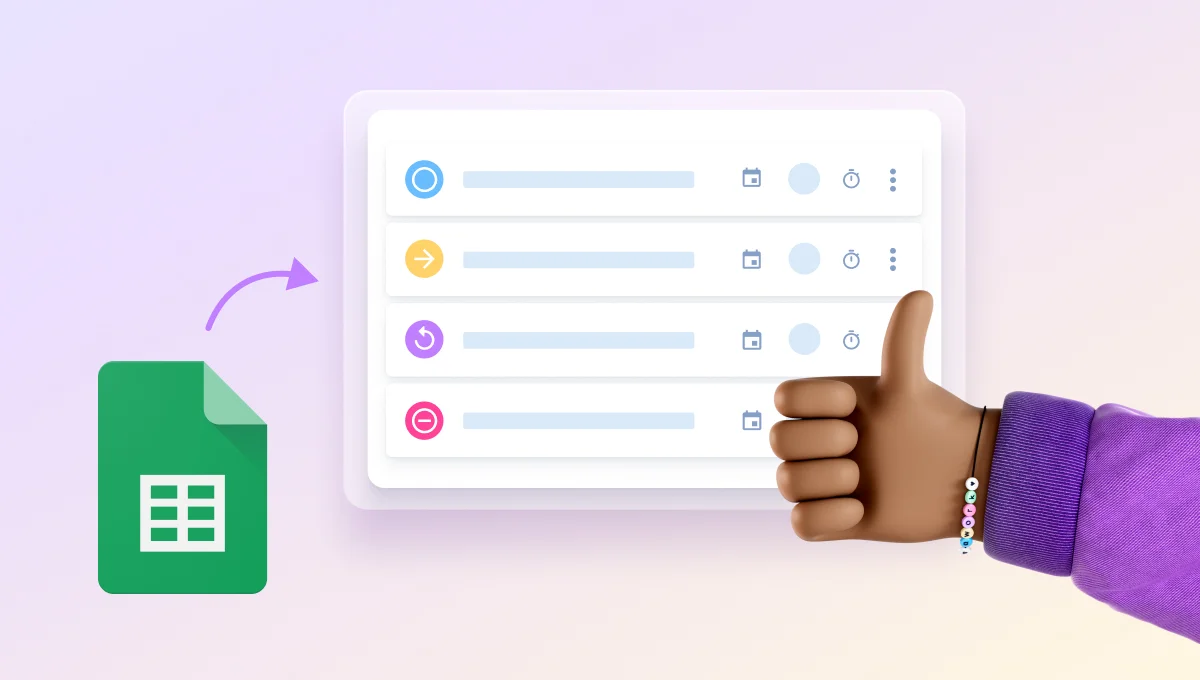
Project management software is a digital tool that helps teams plan, organize, and manage their projects from start to finish. It allows users to track tasks, set deadlines, assign responsibilities, and monitor progress in real time. These tools are designed to eliminate the chaos of traditional project management methods, such as spreadsheets and endless email threads.
The main goal of project management software is to provide a centralized platform where teams can collaborate efficiently, share files, communicate, and stay on top of project milestones. By using these tools, businesses can reduce errors, improve transparency, and ensure that everyone is working towards the same goals.
Key Features to Look For
When choosing a project management tool, it’s important to consider the following key features:
- Task Management: The ability to create, assign, and track tasks.
- Team Collaboration: Tools for communication and file sharing among team members.
- Time Tracking: Features that allow users to log hours spent on specific tasks.
- Reporting: Dashboards and reports that provide insights into project progress.
- Integration: Compatibility with other tools like calendars, email clients, and cloud storage services.
These features help ensure that your team can work more efficiently and effectively.
Top 7 Project Management Tools in the United States
1. awork
awork is a powerful project management tool that combines task management, team planning, and time tracking in one platform. It is particularly popular among teams that need to manage external collaborations. One of its standout features is the ability to share projects with external partners without any additional costs.
Key Features:
– Task lists, Kanban boards, and project timelines
– Team planning with calendar integration
– Time tracking with quick timer and drag-and-drop functionality
– External collaboration via awork Connect
Pricing: Starts at $8/month per user.
2. Monday.com
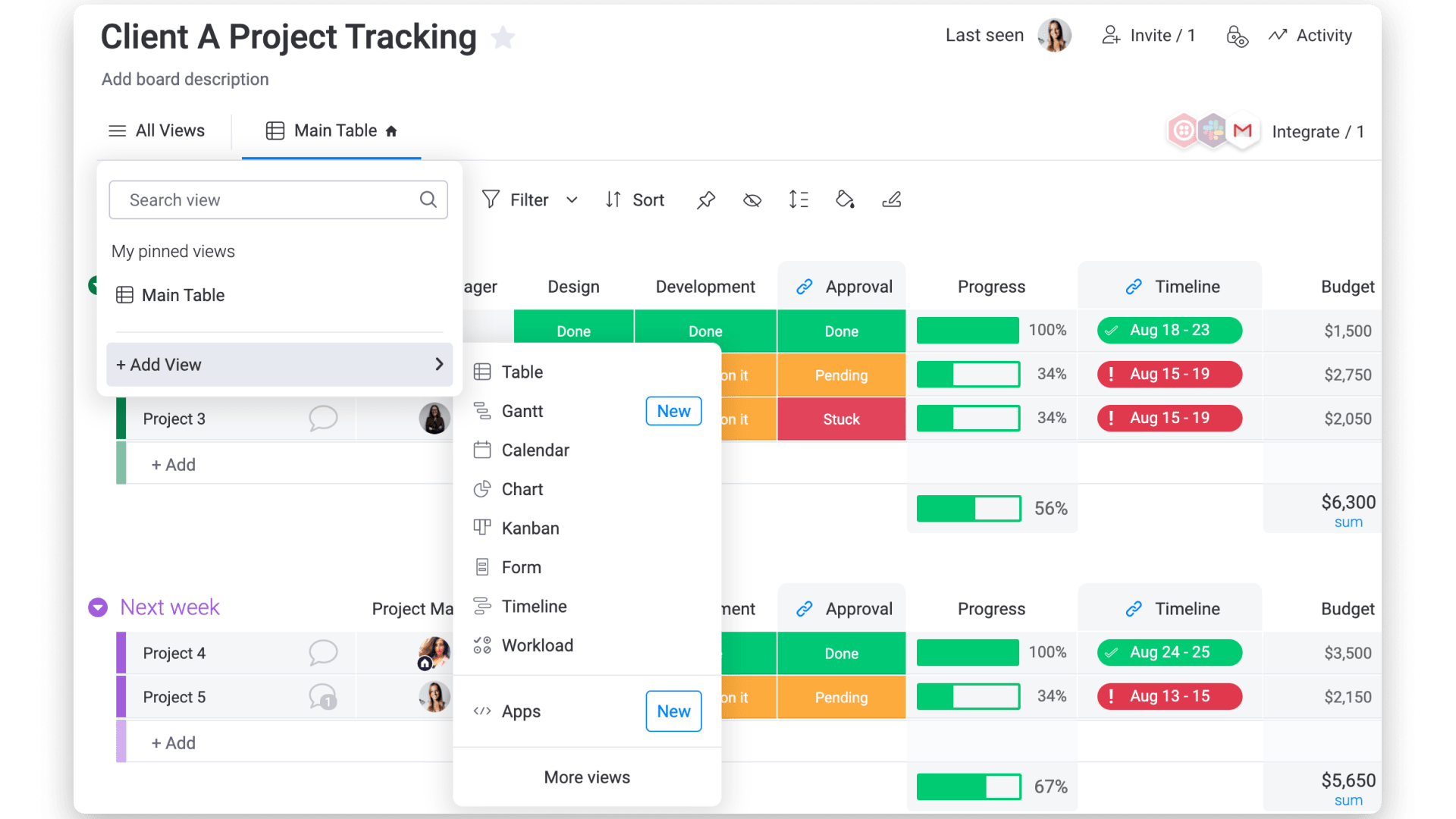
Monday.com is a customizable no-code/low-code platform that allows teams to manage their workflows. It offers a wide range of templates and integrations, making it suitable for teams across various industries.
Key Features:
– Customizable project views
– Resource allocation and team planning
– Time tracking (requires separate setup)
– Limited external collaboration options
Pricing: Starts at $8/month per user.
3. Asana
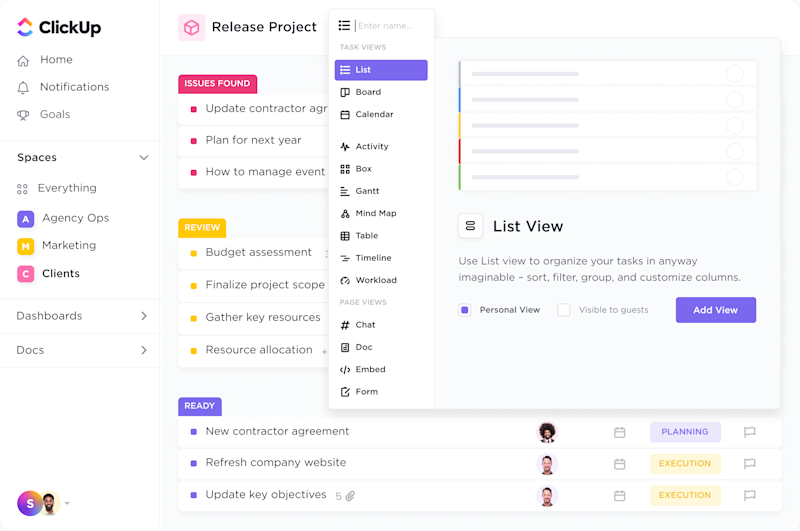
Asana is a well-known project management tool that focuses on task management and team collaboration. It offers a variety of views, including task lists, boards, and Gantt charts, making it easy for teams to visualize their projects.
Key Features:
– Task management with subtasks and dependencies
– Team workload tracking
– Time tracking (available on higher plans)
– Limited external collaboration options
Pricing: Starts at $10.99/month per user.
4. ClickUp
ClickUp is an all-in-one project management platform that offers a wide range of customization options. It is ideal for teams that need a flexible solution that can adapt to their unique workflows.
Key Features:
– Multiple project views (Kanban, Gantt, list)
– Team planning and capacity tracking
– Time tracking with Chrome extension support
– External collaboration with guest access
Pricing: Free plan available; paid plans start at $7/month per user.
5. Notion
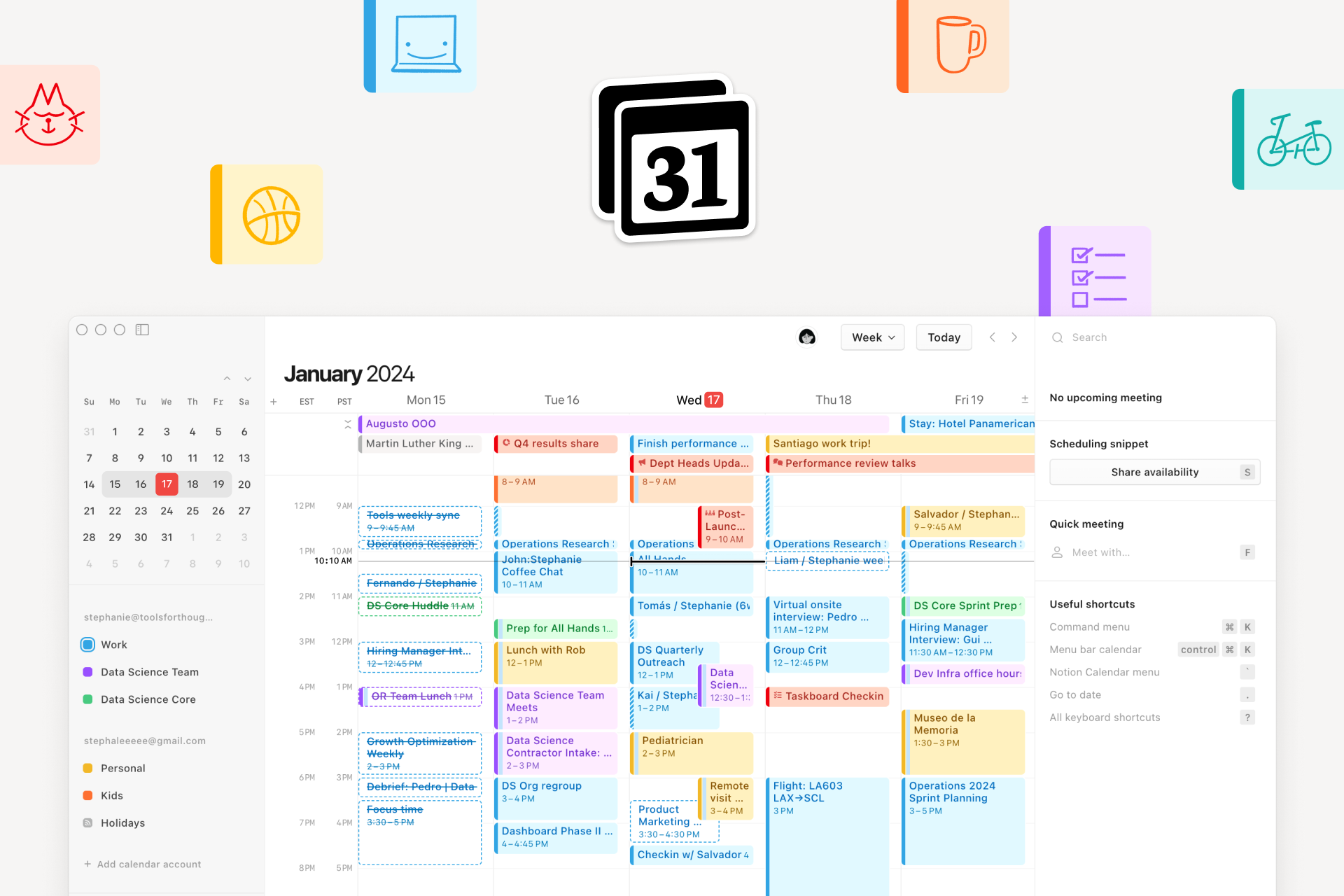
Notion is a versatile workspace that combines notes, tasks, wikis, and databases into one platform. It is particularly useful for teams that prefer a more customizable and flexible approach to project management.
Key Features:
– Infinite project configuration
– Task management with custom fields
– Limited team planning and time tracking
– External collaboration with shared workspaces
Pricing: Starts at $8/month per user.
6. Trello
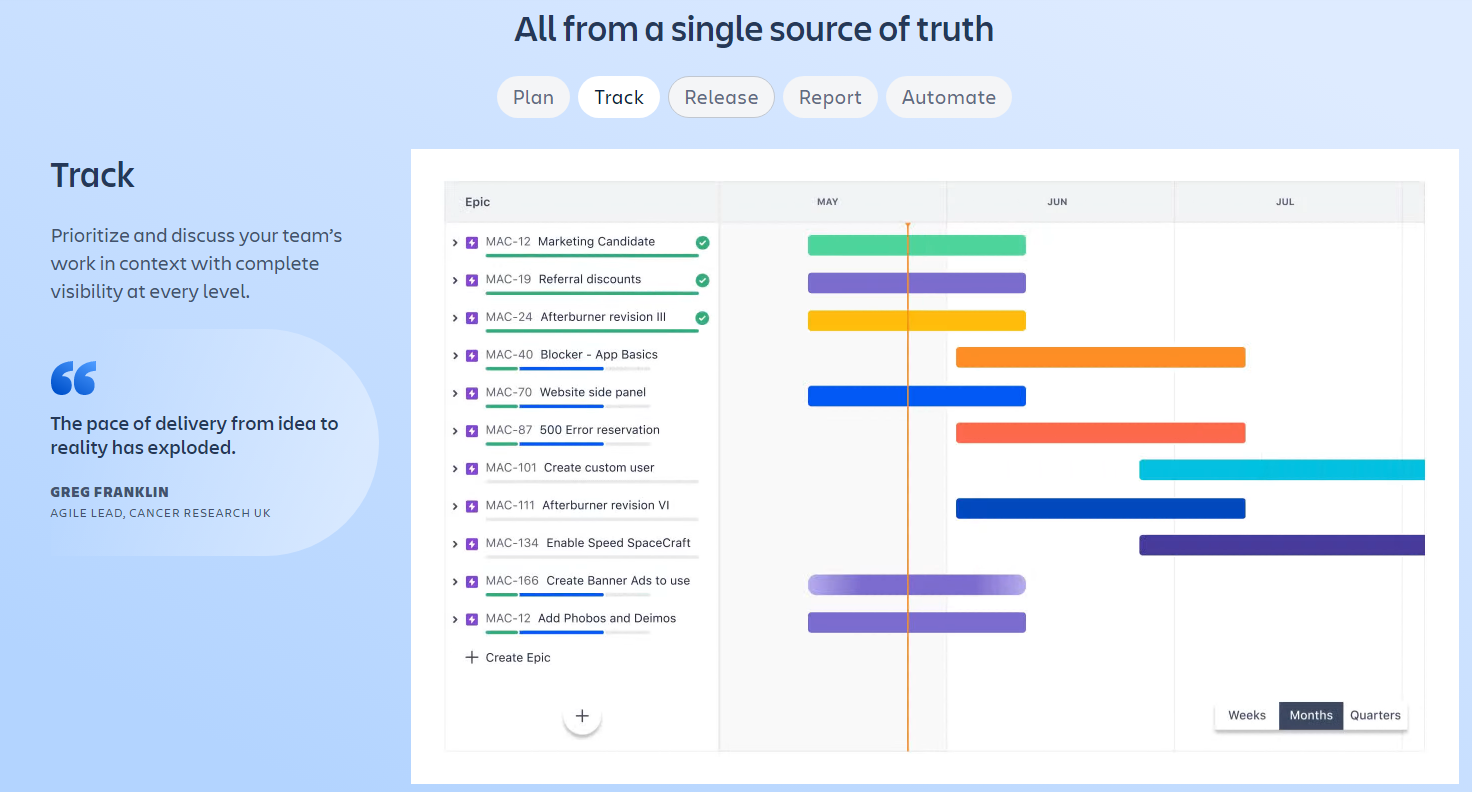
Trello is a visual project management tool that uses Kanban boards to help teams organize their tasks. It is ideal for small teams and individuals who want a simple and intuitive way to manage their projects.
Key Features:
– Kanban boards for task visualization
– Limited team planning and time tracking
– External collaboration with guest access
– Easy to use for small teams
Pricing: Free plan available; paid plans start at $5/month per user.
7. Jira
Jira is a project management tool specifically designed for software development teams. It offers advanced features for managing complex projects and is widely used in the IT industry.
Key Features:
– Complex project management with custom workflows
– Limited team planning and time tracking
– External collaboration with restricted access
– Strong support for agile methodologies
Pricing: Free plan available; paid plans start at $0/month.
Choosing the Right Tool for Your Team
Selecting the right project management software depends on your team’s specific needs. If you’re looking for a tool that offers seamless integration with external partners, awork may be the best choice. For teams that value flexibility and customization, ClickUp could be the ideal option. If you’re a small team or individual, Trello might be the most user-friendly solution.
Regardless of which tool you choose, the key is to find a platform that enhances your team’s productivity and makes project management easier. With the right software, you can streamline your workflows, improve communication, and achieve your project goals more efficiently.