The Rise of Video Conferencing Software in the United States
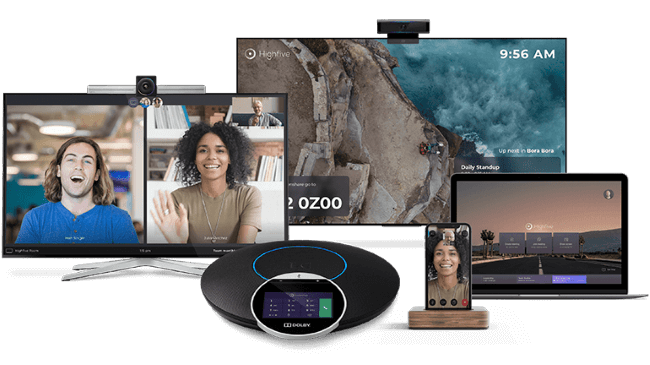
In today’s fast-paced and globally connected world, video conferencing software has become an essential tool for businesses, educational institutions, and individuals. It enables real-time communication across distances, offering a face-to-face experience that traditional phone calls or emails cannot match. As remote work and virtual collaboration become more common, the demand for reliable and feature-rich video conferencing tools continues to grow. This article explores the evolution, functionality, benefits, and future of video conferencing software in the United States.
What Is Video Conferencing Software?
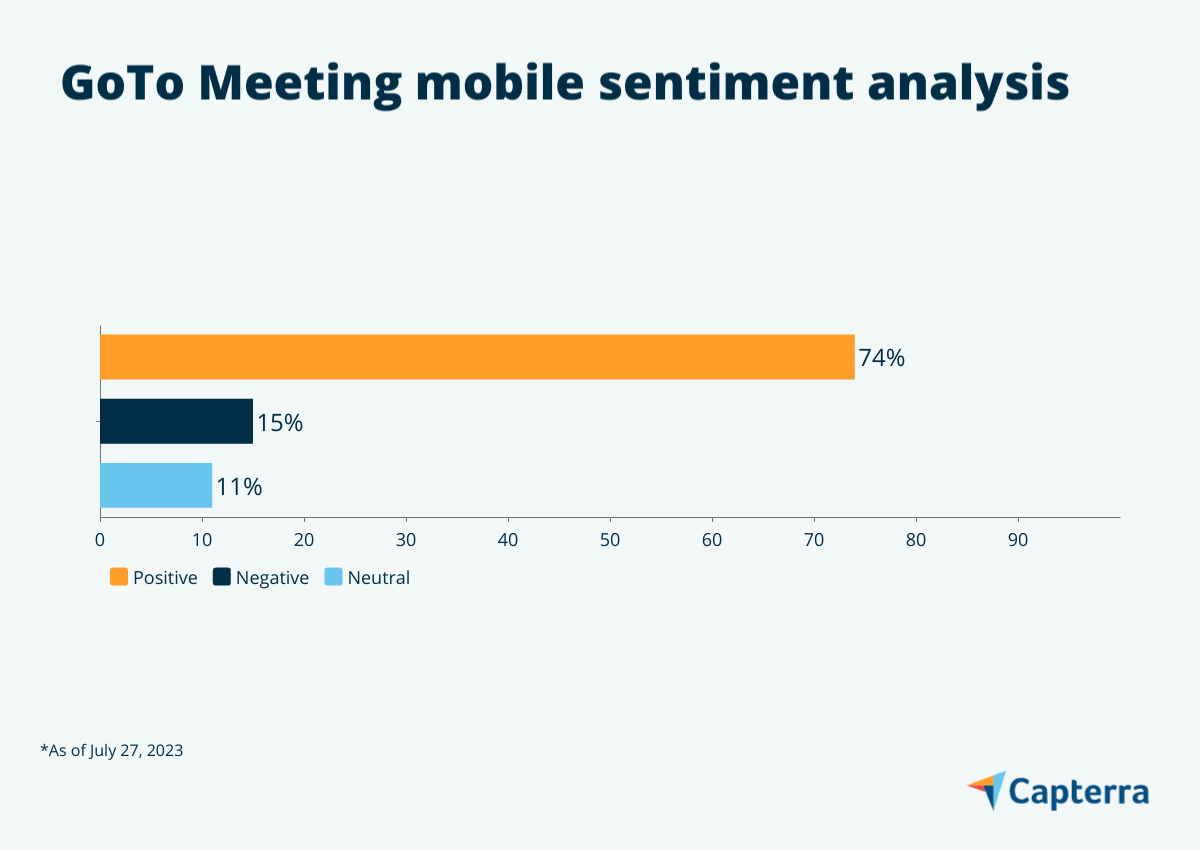
Video Conferencing Software is a set of digital tools designed to facilitate live, interactive video communication between users. These applications use webcams, microphones, speakers, and internet connectivity to enable real-time conversations, screen sharing, and file transfers. Unlike traditional voice calls, video conferencing allows participants to see each other, which enhances clarity, engagement, and trust.
The technology behind video conferencing involves converting audio and video into data packets that are transmitted over the internet. This process is similar to how Voice over Internet Protocol (VoIP) works but with the added benefit of visual interaction. With advancements in hardware and software, video conferencing has become accessible on a wide range of devices, including laptops, smartphones, and tablets.
How Does Video Conferencing Software Work?

At its core, video conferencing operates through a combination of software interfaces and network protocols. Users download and install the application, which provides a platform for hosting or joining meetings. Once connected, participants can see and hear each other in real time, while also using features like screen sharing, chat, and file transfer.
For a successful video call, each participant must have the necessary hardware—such as a webcam and microphone—and access to the software. Additionally, a stable internet connection is crucial for smooth performance. Some platforms offer cloud-based solutions, which means that the software is hosted remotely, reducing the need for local installations.
Key Benefits of Video Conferencing Software

- Save Time and Money: By eliminating the need for travel, video conferencing reduces costs associated with commuting, lodging, and meals. Teams can collaborate efficiently without the logistical challenges of in-person meetings.
- Enhance Collaboration: Seeing each other during meetings helps maintain visual context, making it easier to interpret tone, body language, and non-verbal cues. This leads to more effective communication and decision-making.
- Overcome Location Barriers: Video conferencing allows teams to work together regardless of geographical location. Employees, clients, and partners can connect from anywhere in the world, fostering global collaboration.
- Improve Remote Work Management: With the rise of remote work, video conferencing has become a critical tool for managing distributed teams. It supports real-time interactions, project updates, and team bonding.
- Access to Global Resources: Organizations can consult with experts, conduct interviews, or collaborate with international partners without the limitations of physical proximity.
Features to Look For in Video Conferencing Software
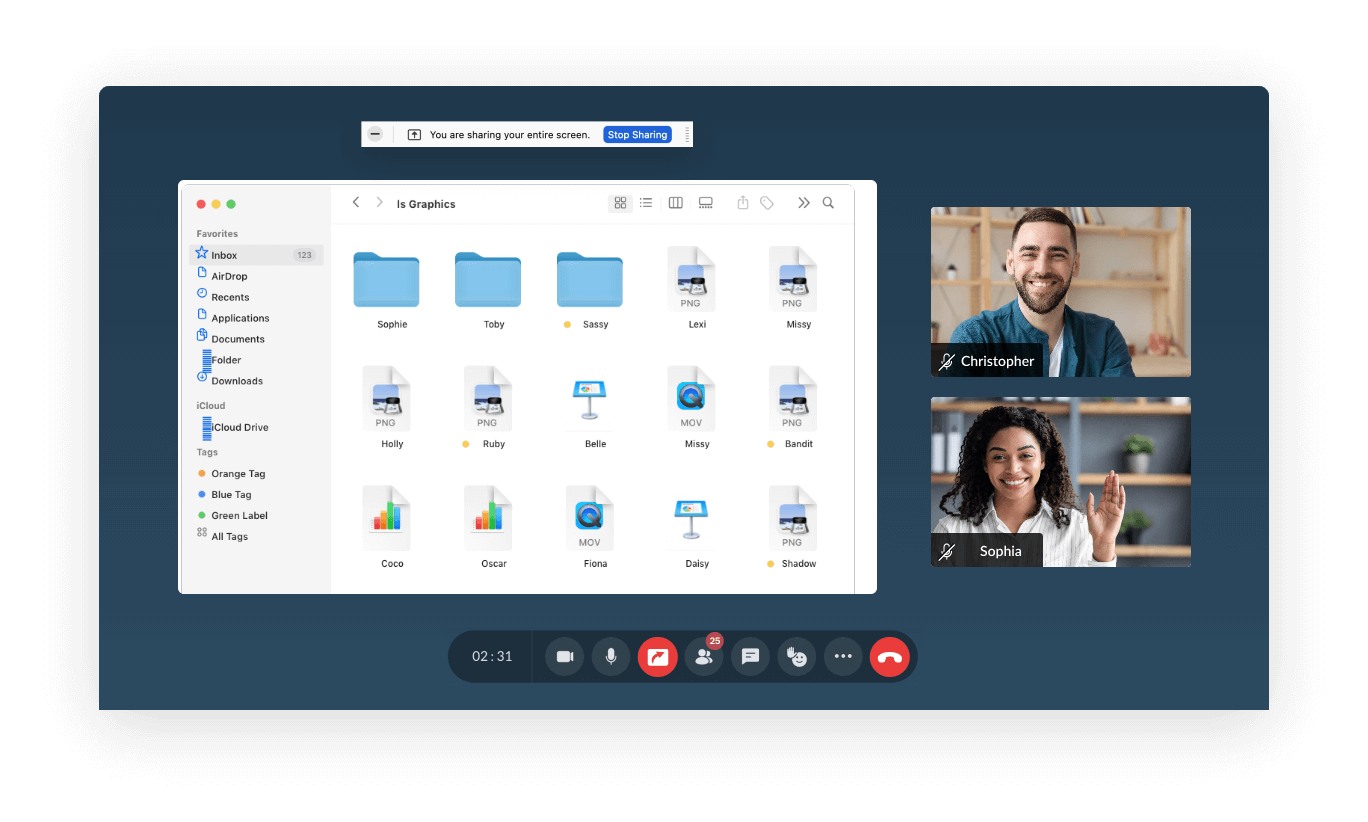
When choosing a video conferencing solution, consider the following key features:
- Conference Scheduling: Integrated scheduling tools help manage meeting times and send reminders.
- File Sharing and Transferring: The ability to share documents, presentations, and other files during a call enhances collaboration.
- Screen Sharing and Digital Whiteboarding: These tools allow participants to present ideas, annotate content, and work together in real time.
- Recording Capabilities: Recording meetings ensures that important discussions can be reviewed later, and it serves as a record for compliance or reference.
- Private and Group Conferencing: Whether you’re having a one-on-one conversation or a large team meeting, the software should support both scenarios.
Comparing Video Conferencing Software

When evaluating different video conferencing platforms, consider factors such as:
- Customer Support: Reliable technical support is crucial, especially when dealing with complex integrations or unexpected issues.
- Pricing Models: Many platforms offer tiered pricing plans, with higher-tier options providing more advanced features and user limits.
- Integration with Other Tools: The best solutions often integrate with other business tools, such as email clients, calendars, and project management software.
- Mobile Compatibility: As remote work becomes more prevalent, mobile-friendly apps ensure that users can participate in meetings from anywhere.
The Future of Video Conferencing: Augmented Reality

One of the most exciting developments in video conferencing is the integration of Augmented Reality (AR). AR enhances the user experience by overlaying digital information onto the real-world view captured by a camera. In a professional setting, this could mean engineers providing real-time guidance to on-site workers, or sales teams demonstrating products in 3D.
As AR technology advances, we can expect to see more immersive and interactive video conferencing experiences. This could revolutionize industries such as healthcare, education, and remote maintenance, where visual collaboration is essential.
Conclusion
Video conferencing software has transformed the way people communicate, collaborate, and conduct business. Its ability to bridge geographical gaps, reduce costs, and enhance productivity makes it an indispensable tool in the modern workplace. As technology continues to evolve, we can expect even more innovative features that will further improve the video conferencing experience. Whether you’re a small business owner, a remote worker, or an enterprise executive, investing in the right video conferencing solution can significantly impact your efficiency and success.