The Ultimate Guide to Mobile Banking: Features, Security, and Top Apps
Mobile banking has transformed the way we manage our finances. With just a few taps on your smartphone, you can check balances, transfer funds, pay bills, and even deposit checks—all from anywhere, at any time. As more people embrace this digital convenience, it’s essential to understand the features, security measures, and top apps that make mobile banking both efficient and safe.
What is Mobile Banking?
Mobile banking refers to the use of a smartphone or tablet to access and manage your bank accounts through a dedicated app. It allows users to perform a wide range of financial tasks without visiting a physical branch. From checking account balances to setting up automatic payments, mobile banking offers a seamless experience that fits into our fast-paced lives.
Key Features of Mobile Banking Apps
- Account Management: Users can view their account balances, transaction history, and statements in real-time.
- Fund Transfers: Instant money transfers between accounts, friends, or family members are possible with just a few clicks.
- Bill Payments: Set up recurring payments for utilities, subscriptions, and other expenses directly from the app.
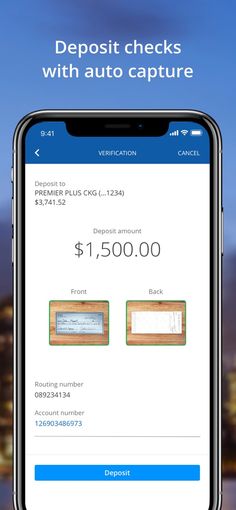
- Mobile Check Deposits: Deposit checks using your phone’s camera, eliminating the need to visit a branch.
- Credit Monitoring: Some apps offer tools to track your credit score and receive alerts for changes in your credit report.
- Budgeting Tools: Many apps include features to help you track spending, set financial goals, and manage your budget effectively.
- Security Alerts: Receive notifications for suspicious activity, low balances, or large transactions.
Top Mobile Banking Apps in the U.S.
Several banks and fintech companies have developed highly-rated mobile banking apps that cater to different user needs. Here are some of the best options:
1. Chase
- Best For: Simple mobile banking
- App Store Rating: 4.8/5 (6.3M+ reviews)
- Google Play Rating: 4.5/5 (1.8M+ reviews)
- Features:
- Easy navigation and intuitive interface
- Real-time account updates and transaction tracking
- Mobile check deposits and bill pay
- Access to customer support via chat or phone
2. Chime
- Best For: Helpful features
- App Store Rating: 4.8/5 (960K+ reviews)
- Google Play Rating: 4.7/5 (740K+ reviews)
- Features:
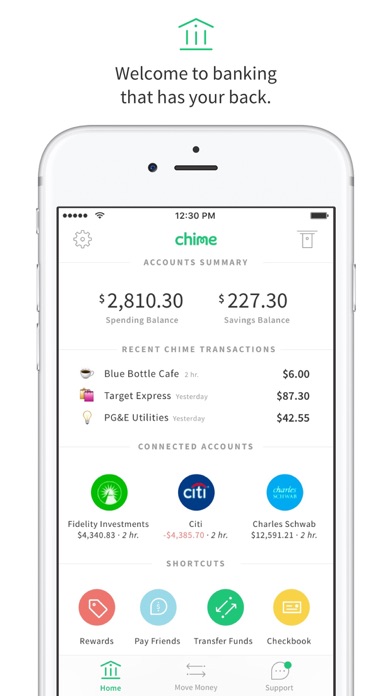
- Early paycheck access (up to 2 days earlier)
- Fee-free overdrafts (up to $200)
- Automated savings with “Save When I Get Paid”
- No monthly fees and no minimum balance requirements
3. Bank of America
- Best For: Chatbot support
- App Store Rating: 4.8/5 (4.7M+ reviews)
- Google Play Rating: 4.6/5 (1.1M+ reviews)
- Features:
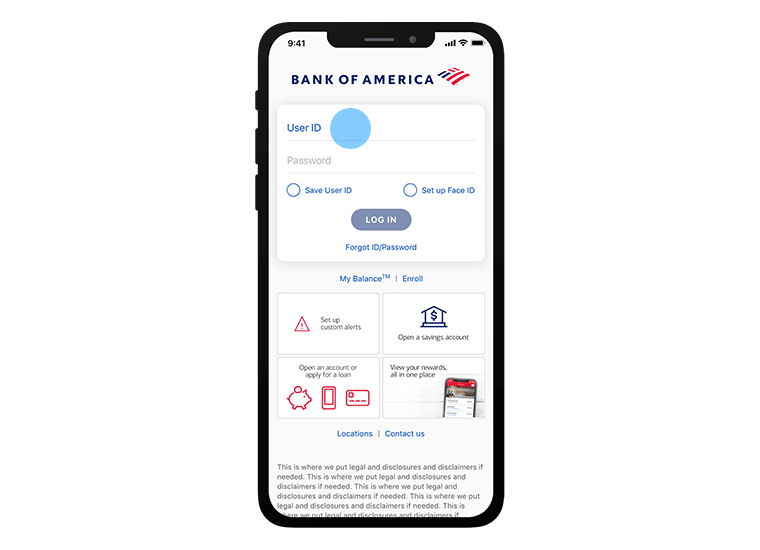
- Erica, a virtual assistant for quick customer service
- Comprehensive account management and bill payment
- Fraud monitoring and security alerts
- Access to multiple account types, including checking, savings, and credit cards
4. Capital One
- Best For: Managing credit cards and payments
- App Store Rating: 4.9/5 (8.8M+ reviews)
- Google Play Rating: 4.5/5 (1.5M+ reviews)
- Features:
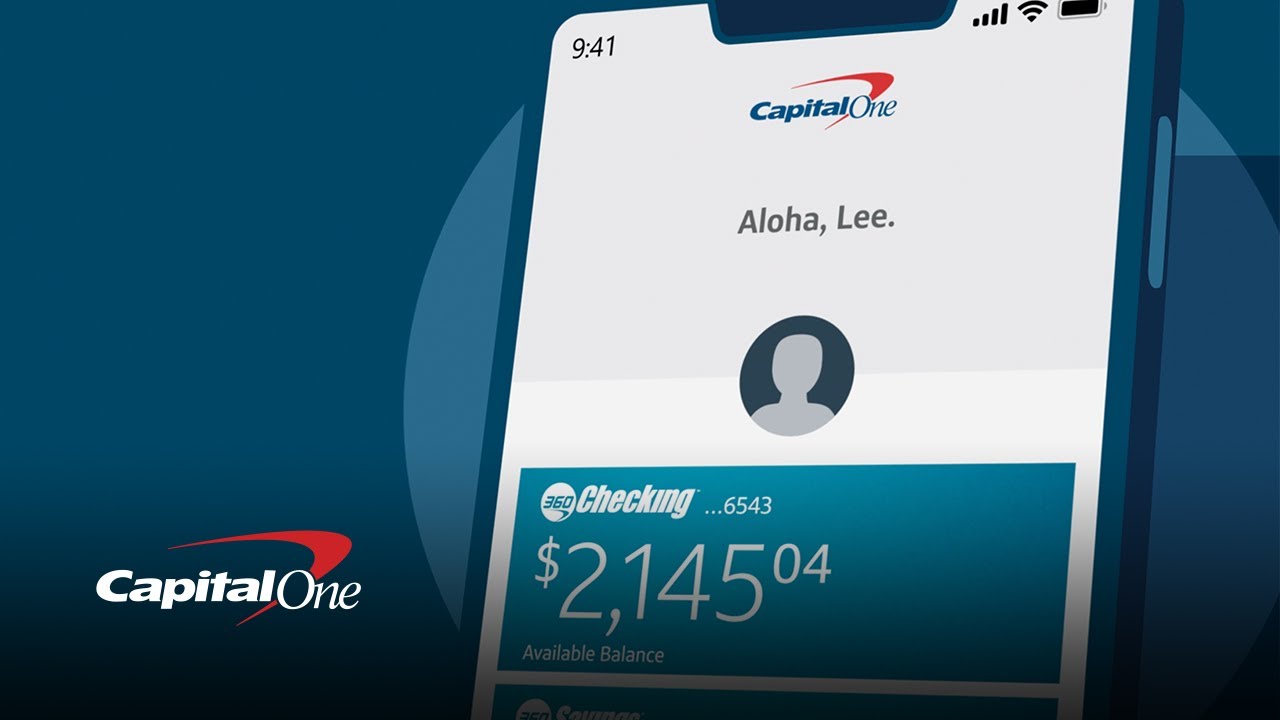
- Streamlined credit card management
- Real-time transaction tracking and alerts
- Rewards program integration
- User-friendly design and easy navigation
5. Wells Fargo
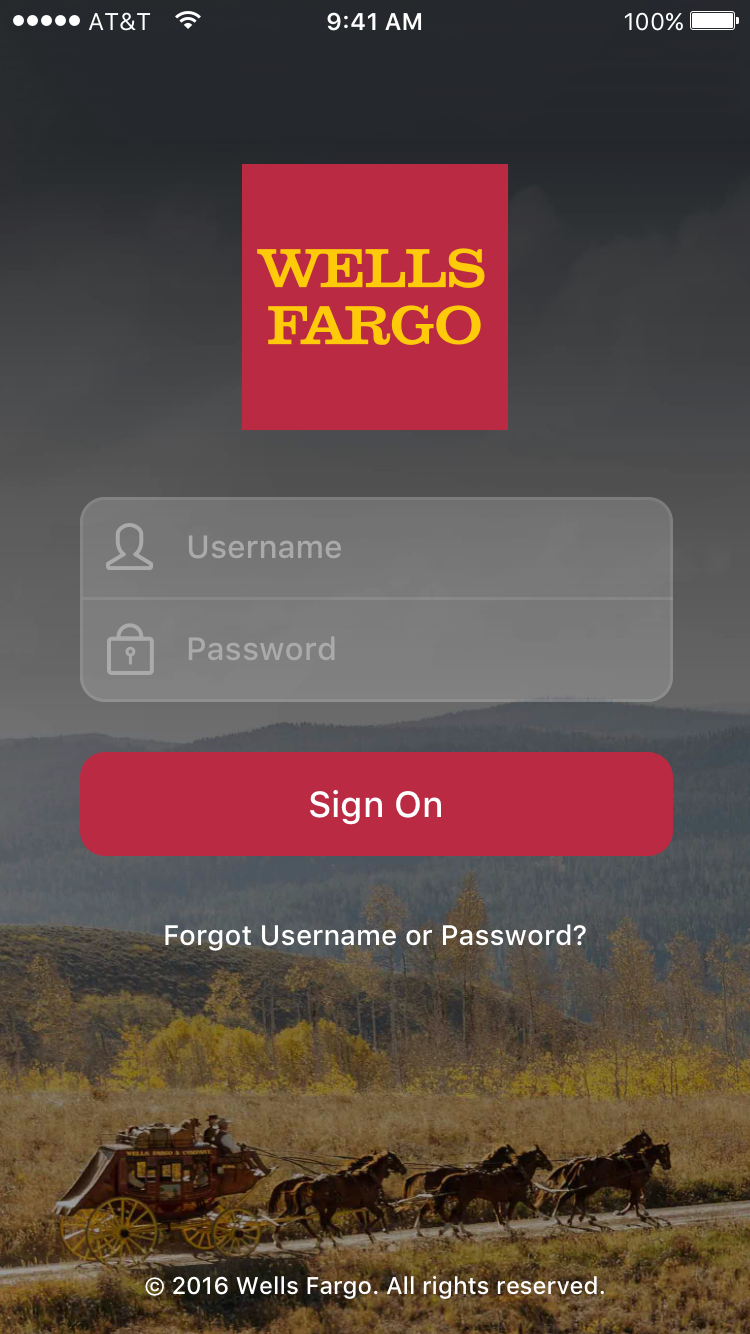
- Best For: All-in-one banking
- App Store Rating: 4.9/5 (9.5M+ reviews)
- Google Play Rating: 4.8/5 (2.5M+ reviews)
- Features:
- Comprehensive financial management tools
- Seamless integration with multiple accounts
- Robust security features and fraud detection
- Access to customer support and financial planning resources
How to Choose the Best Mobile Banking App

When selecting a mobile banking app, consider the following factors:
- User Reviews: Look for apps with high ratings and positive feedback from real users.
- Account Benefits: Prioritize apps that offer the best APYs, credit-building tools, or minimal fees.
- Customer Support: Choose an app with reliable support options, such as live chat, phone, or email.
- Product Variety: Opt for banks that offer a range of services, including checking, savings, and credit cards.
- Security Features: Ensure the app includes strong security measures like biometric authentication and real-time alerts.
Mobile Banking Security Tips
While mobile banking is convenient, it’s crucial to protect your accounts from potential threats. Follow these security tips:
- Use Strong Passwords: Create unique, complex passwords for each account and avoid reusing them across platforms.
- Enable Two-Factor Authentication (2FA): Add an extra layer of security by requiring a second form of verification.
- Keep Your App Updated: Regularly update your banking app and device to ensure you have the latest security patches.
- Avoid Public Wi-Fi: Use secure networks when accessing your account, especially for sensitive transactions.
- Monitor Your Accounts: Regularly review your transactions and set up alerts for unusual activity.
- Be Wary of Phishing Scams: Avoid clicking on suspicious links or providing personal information through unsolicited messages.
Conclusion
Mobile banking has become an essential tool for managing your finances efficiently and securely. With the right app, you can enjoy the convenience of on-the-go banking while protecting your account from potential threats. Whether you’re looking for simple account management, advanced security features, or personalized financial tools, there’s a mobile banking app that suits your needs. By choosing the right platform and following best practices, you can make the most of mobile banking while keeping your money safe.