The Ultimate Guide to Virtual Classroom Software in the United States
Virtual classroom software has become an essential tool for educators, corporate trainers, and training providers across the United States. With the rise of remote learning and hybrid work environments, choosing the right platform is more critical than ever. Whether you’re delivering commercial training, managing a school setting, or facilitating employee development, there are numerous virtual classroom solutions tailored to your specific needs. This article explores the key features, use cases, and top options available in 2024.
What Is a Virtual Classroom?
A virtual classroom is a digital space that allows instructors and students to connect in real-time for interactive learning. Unlike pre-recorded lessons, these platforms enable live discussions, collaborative activities, and real-time feedback. Features such as video conferencing, chat, breakout rooms, and digital whiteboards make virtual classrooms highly engaging and effective for remote learning.
Key Features to Look For

When selecting a virtual classroom platform, consider the following essential features:
- Video Conferencing: High-quality video is crucial for clear communication.
- Chat and Messaging: Allows participants to ask questions without interrupting the session.
- Screen Sharing: Enables instructors to present materials and demonstrations.
- Breakout Rooms: Facilitates group discussions and collaborative tasks.
- Digital Whiteboards: Supports visual brainstorming and problem-solving.
- Polling and Quizzes: Helps gauge understanding and encourage participation.
- File Sharing: Makes it easy to distribute course materials.
Use Cases and Recommended Platforms
1. Commercial Training (Client and Learner-Focused)
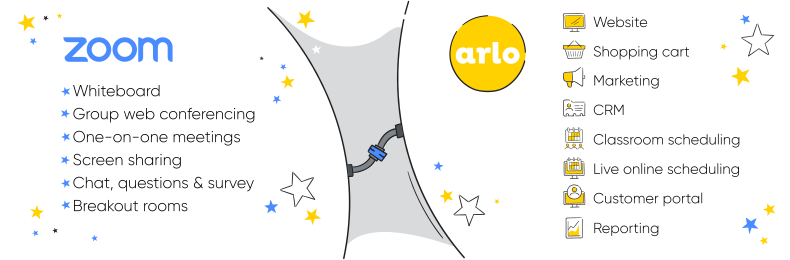
For training providers offering courses to clients, the right virtual classroom software should include features like course creation, certification tools, e-commerce integration, and marketing support. Arlo stands out as the top choice for this use case.
Arlo offers seamless integration with Zoom, Microsoft Teams, and GoToWebinar, allowing trainers to create, deliver, and manage courses efficiently. It automates registration, communication, and certificate issuance, making it ideal for commercial training providers.
2. Educational Use (School or University Setting)
Educational institutions require platforms with classroom management tools, assignment tracking, and LMS compatibility. Google Classroom and BigBlueButton are excellent choices for K-12 schools and universities.
Google Classroom is part of Google Workspace for Education and includes AI-enhanced tools for personalized learning. It supports differentiated instruction and provides analytics for student engagement.
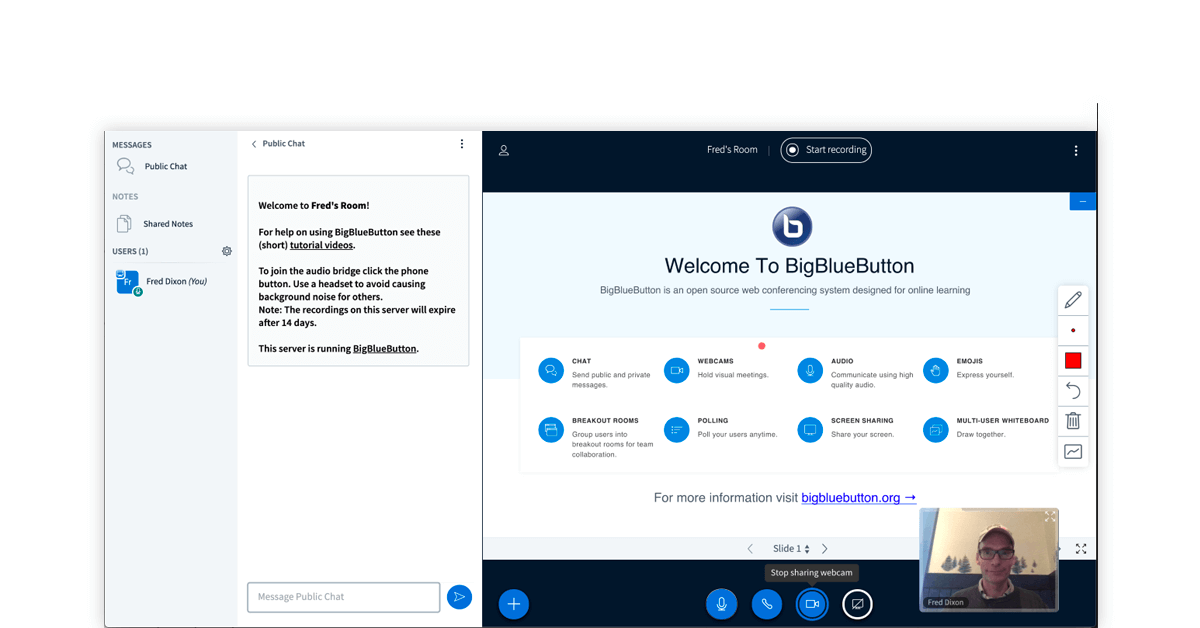
BigBlueButton is widely used in educational settings due to its compatibility with major LMS platforms like Canvas and Moodle. It offers screen sharing, breakout rooms, and polling, making it ideal for distance learning.
3. Corporate Training (Employee Development)

Corporate training platforms must focus on employee engagement, analytics, and integration with HR systems. WizIQ and MeritHub are popular choices for organizations looking to train employees effectively.
WizIQ offers tools for creating interactive courses, conducting live classes, and building MOOCs. Its mobile apps and branded learning portals make it suitable for corporate training.
MeritHub provides an all-in-one solution with interactive whiteboards, gamification features, and detailed analytics. It supports large webinars and offers a comprehensive tutoring management system.
Top Virtual Classroom Software Options for 2024
- Arlo – Best for commercial training providers
- Google Classroom – Ideal for educational institutions
- LearnCube – Great for tutors and teachers
- BigBlueButton – Excellent for teachers and schools
- WizIQ – Suitable for corporate training
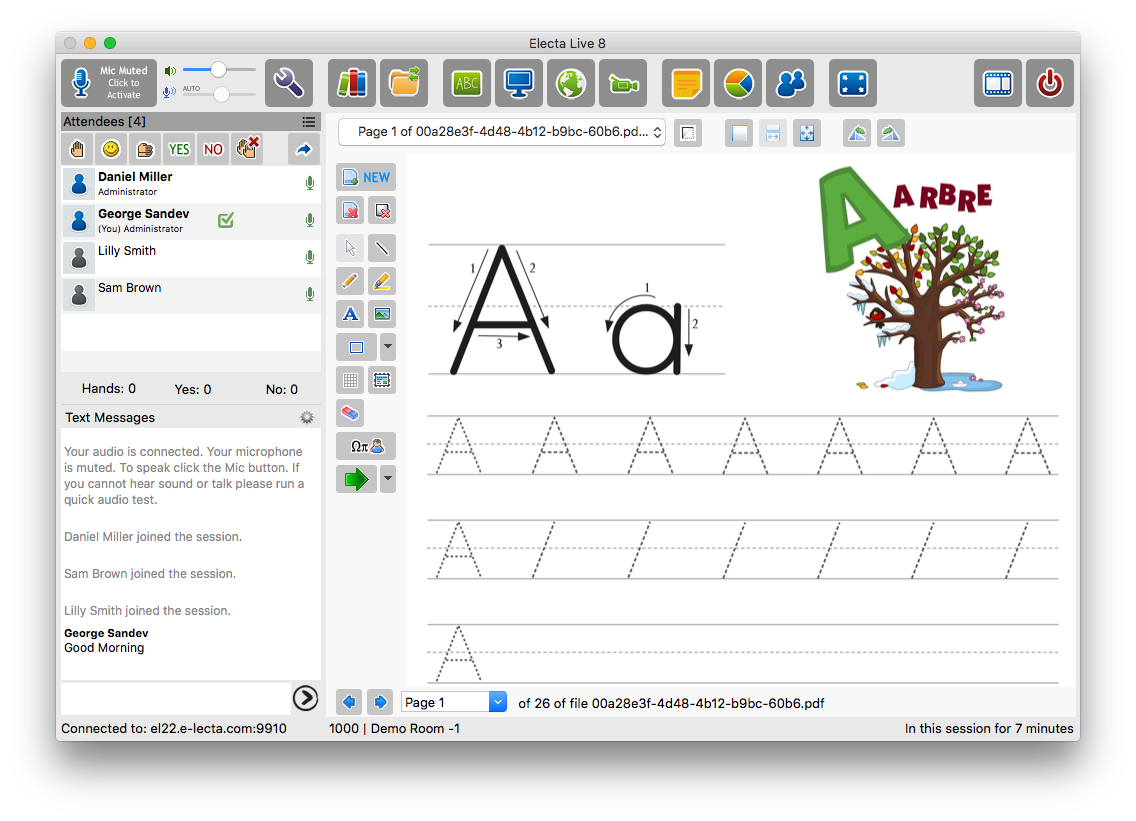
- Electa – Perfect for online schools
- Vedamo – Ideal for schools, kindergartens, and language institutions
- Class – Good for businesses in financial and manufacturing sectors
- MeritHub – All-in-one LMS and virtual classroom solution
Frequently Asked Questions

-
What is the best virtual classroom software for commercial training?
Arlo is the top choice for training providers due to its comprehensive features and integration capabilities. -
Which platform is best for educational institutions?
Google Classroom and BigBlueButton are widely used in schools and universities for their flexibility and ease of use. -
How do I choose the right virtual classroom software?
Consider your specific use case, required features, and budget. Platforms like Arlo, Google Classroom, and WizIQ offer tailored solutions for different needs.
Conclusion
Choosing the right virtual classroom software depends on your specific needs, whether you’re an educator, corporate trainer, or commercial training provider. By understanding the key features and use cases, you can select a platform that enhances the learning experience and meets your goals. With options like Arlo, Google Classroom, and BigBlueButton, there’s a solution for every scenario in the United States.