Understanding SaaS: The Future of Software Delivery in the United States
In the rapidly evolving landscape of technology, Software-as-a-Service (SaaS) has emerged as a transformative model that is reshaping how businesses and individuals access and utilize software. As a cloud-based delivery method, SaaS allows users to access applications over the internet on a subscription basis, eliminating the need for local installation and maintenance. This model not only offers convenience but also presents a range of benefits and challenges that are critical for businesses to understand.
What Is SaaS?
SaaS, or Software-as-a-Service, is a cloud computing model where software applications are hosted by a third-party provider and made available to customers over the internet. Unlike traditional software, which requires installation on local machines, SaaS operates through a web browser or mobile app, providing users with seamless access to the latest features and updates without the hassle of manual installations.
The concept of SaaS has gained significant traction since its inception, with companies like Salesforce, Google Workspace, and Netflix leading the way. These platforms exemplify the SaaS model by offering services that can be accessed from anywhere, at any time, provided there is an internet connection. This flexibility has made SaaS an attractive option for businesses looking to reduce costs and increase efficiency.
How Does SaaS Work?
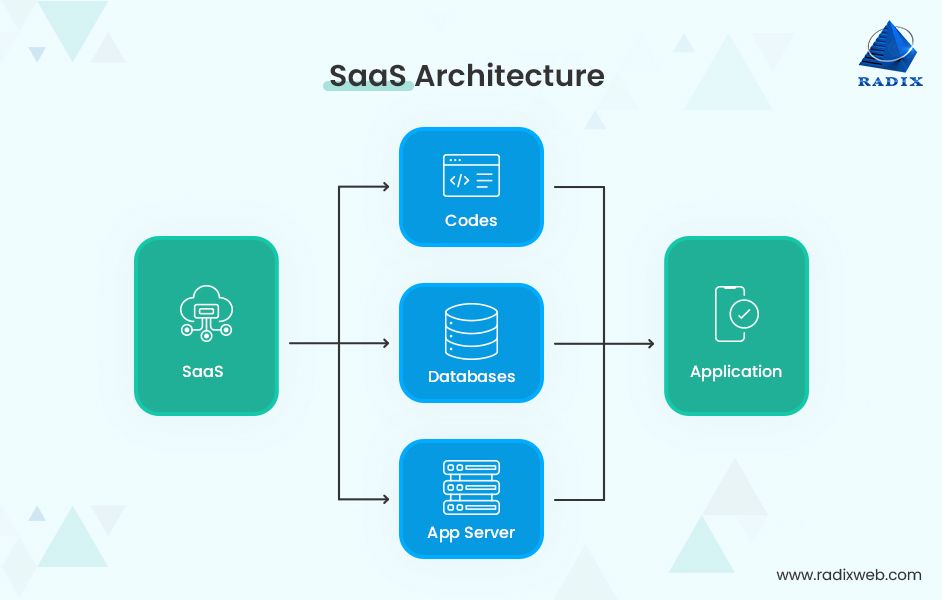
The SaaS model works in two primary parts: the vendor creates the software, and the customer licenses it. Vendors develop applications designed to solve specific business problems, often with scalability and lower maintenance in mind. Once developed, these applications are hosted on cloud infrastructure, such as Amazon Web Services or Google Cloud, allowing customers to access them via the internet.
Customers pay for the software on a recurring basis, typically through a subscription model. This arrangement means that the vendor handles all aspects of maintenance, updates, and security, allowing customers to focus on their core operations. The customer does not own the software; instead, they gain the right to use it, which comes with the benefit of automatic updates and feature enhancements.
Benefits of SaaS
One of the most compelling advantages of SaaS is its cost-effectiveness. Traditional software models often require significant upfront investments in hardware and infrastructure, whereas SaaS eliminates the need for local servers and reduces the burden of maintenance. This model also offers scalability, enabling businesses to easily add or remove users and features as their needs evolve.
Another significant benefit is the ease of access. With SaaS, users can access applications from any device with an internet connection, promoting remote work and collaboration. Additionally, SaaS providers handle all updates and patches, ensuring that users always have access to the latest features and security improvements. This proactive approach minimizes downtime and enhances overall user experience.
Challenges of SaaS

Despite its many advantages, SaaS is not without its challenges. One of the primary concerns is the loss of control over the software. Since the vendor manages the infrastructure and updates, customers may find themselves dependent on the provider’s service-level agreements (SLAs). If issues arise, resolving them may require adhering to the terms of the SLA, which can be limiting for businesses that prefer more autonomy.
Integration problems can also pose challenges. While SaaS simplifies the initial setup, integrating these applications with existing systems can be complex. Businesses may encounter difficulties when trying to synchronize data between different platforms, potentially affecting productivity and customer satisfaction.
Data security is another critical concern. SaaS involves entrusting sensitive information to third-party providers, raising questions about how securely this data is stored and protected. Although vendors implement various security measures, the risk of breaches cannot be entirely eliminated, making it essential for businesses to thoroughly evaluate their providers’ security protocols.
Examples of SaaS Products

Several well-known SaaS products have become integral to modern business operations. Google Workspace, formerly known as G Suite, offers a suite of tools for email, document creation, and collaboration. Similarly, Salesforce provides customer relationship management (CRM) solutions that help businesses manage interactions with customers effectively.
Other notable examples include Trello for project management, Hubspot for marketing automation, and Slack for team communication. These applications demonstrate the versatility of SaaS, catering to diverse industries and functions. By leveraging these tools, businesses can streamline their processes and enhance productivity.
SaaS vs. IaaS vs. PaaS: Understanding the Differences
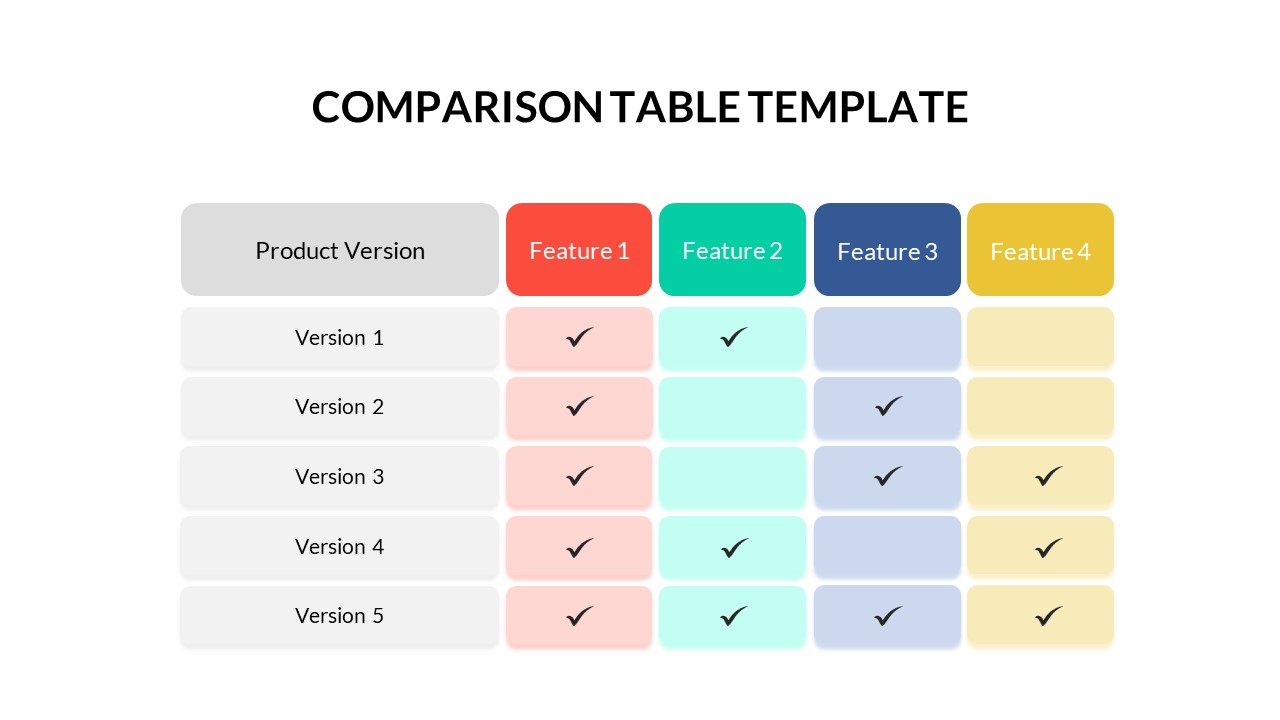
While SaaS focuses on delivering ready-to-use applications, other cloud service models offer different levels of control and customization. Infrastructure-as-a-Service (IaaS) provides virtualized computing resources, allowing businesses to manage their own operating systems and applications. Platform-as-a-Service (PaaS) offers a development platform for building custom applications, giving developers more flexibility in creating tailored solutions.
Understanding the distinctions between these models is crucial for businesses seeking to choose the right cloud solution. SaaS is ideal for organizations looking for a turnkey solution, while IaaS and PaaS cater to those requiring more control over their infrastructure and development environments.
Frequently Asked Questions About SaaS
What does SaaS mean? SaaS stands for Software-as-a-Service, a model where users access software applications over the internet on a subscription basis.
What is the difference between PaaS and SaaS? PaaS provides a platform for developing applications, while SaaS delivers ready-to-use applications.
How do users access SaaS applications? Users typically access SaaS applications through a web browser or mobile app.
Do customers own SaaS software? No, customers pay for the right to use the software but do not own it.
Conclusion
As the SaaS model continues to gain momentum, it is clear that it is reshaping the way businesses operate and interact with technology. While the benefits of cost savings, scalability, and ease of access are undeniable, it is equally important to consider the challenges related to control, integration, and security. For businesses in the United States, understanding the nuances of SaaS is essential for making informed decisions that align with their strategic goals. As the digital landscape evolves, SaaS will undoubtedly remain a cornerstone of modern business operations, driving innovation and efficiency across industries.